Uptime Monitoring Strategies for High-Traffic WordPress Client Sites
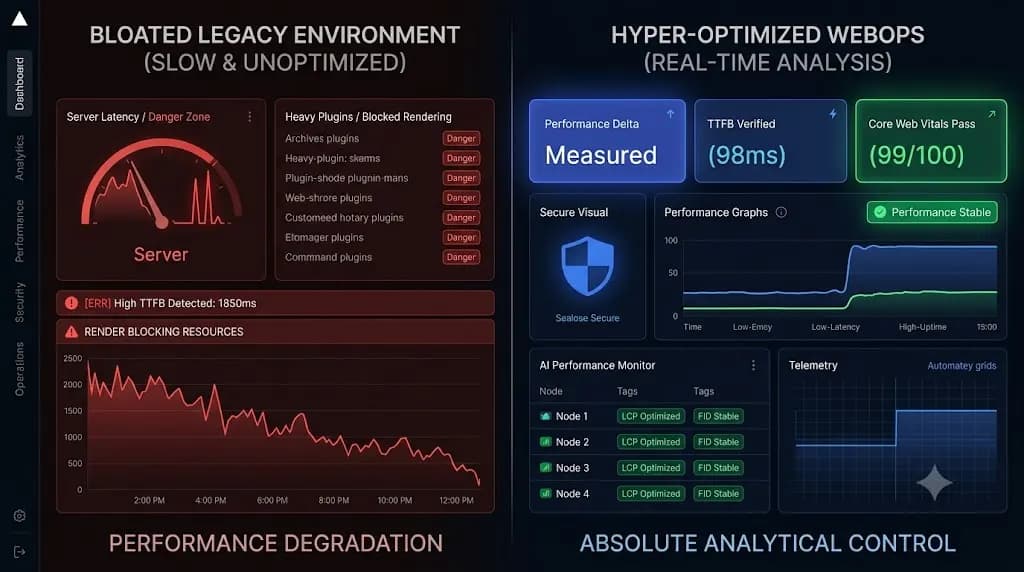
If you manage a standard brochure website, checking whether the server is online once an hour is perfectly acceptable. If the site goes down at 2:00 AM and comes back up at 2:45 AM, the business impact is virtually zero. However, wordpress uptime monitoring tools become critical for high-traffic sites where even brief downtime can […]
- Always capture a pre-update snapshot of both the database and files before updates.
- Run pixel-by-pixel visual diffing: changes above 5% indicate critical layout breaking.
- Automate rollbacks without human delays to prevent lost revenue on client stores.
- Quarantine suspect files instead of deleting so post-mortem analysis remains possible.
If you manage a standard brochure website, checking whether the server is online once an hour is perfectly acceptable. If the site goes down at 2:00 AM and comes back up at 2:45 AM, the business impact is virtually zero. However, wordpress uptime monitoring tools become critical for high-traffic sites where even brief downtime can lead to lost sales and customer trust.
If you manage a high-traffic WooCommerce store, a SaaS marketing site, or a heavily visited publisher portal, a 45 minute outage is a catastrophic revenue event.
When agencies scale their profitable WordPress maintenance retainer models to include enterprise clients, they quickly discover that basic ping bots are an operational liability. Legacy monitors check sites too infrequently, generate massive amounts of false positive alerts, and actively consume valuable server resources by downloading entire web pages just to see if the server is awake.
To service high tier clients, you must rethink how you monitor availability.
This technical guide breaks down the architecture of enterprise grade wordpress uptime monitoring tools, why HTTP GET requests are destroying your clients’ server performance, how to eliminate “alert fatigue,” and the exact polling strategies top WebOps teams use to guarantee 99.99% availability.
Quick Answer: What are the best WordPress uptime monitoring tools?
The best WordPress uptime monitoring tools for high-traffic sites do not use basic HTTP GET requests, which consume heavy server bandwidth. Instead, they use lightweight HTTP HEAD requests to poll the server every 5 minutes. To prevent false positive alerts (alert fatigue), advanced platforms like SiteOps require consecutive failures before triggering an emergency notification, ensuring agencies are only alerted to legitimate, verified downtime events.
The Problem with Basic Ping Bots
If you use a legacy ManageWP alternative or a standalone free ping service, your monitoring strategy is likely causing two massive problems for your agency.
1. The “Downtime Lag” (Checking Too Infrequently)
Many free or legacy tools default to a 30 minute or 60 minute polling interval to save on their own cloud computing costs.
If a client’s server crashes at 12:05 PM due to a traffic spike, and your monitor is scheduled to check at 12:55 PM, you have a 50 minute “Downtime Lag.” During this window, your client is actively losing money, and their customers are experiencing errors. The client will inevitably discover the outage before you do, which instantly destroys the trust required to maintain a high ticket maintenance contract.
You cannot claim to offer proactive support if your tools are operating on a one hour delay.
2. Alert Fatigue (The False Positive Trap)
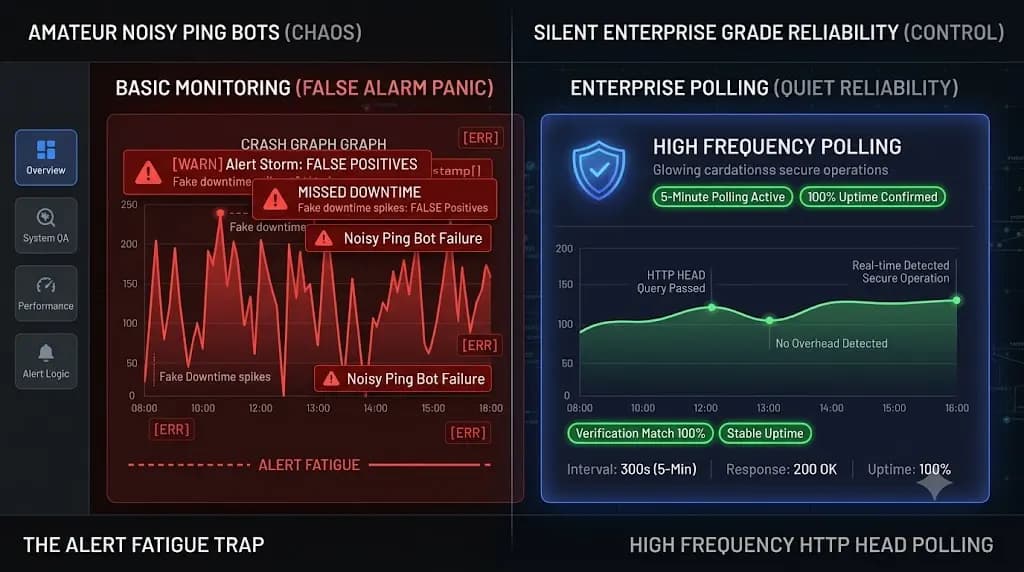
Agencies that realize 60 minute intervals are too slow often swing to the opposite extreme. They configure basic bots to ping a site every 60 seconds.
This triggers “Alert Fatigue.” The internet is a volatile place. A temporary network routing blip, a brief DNS propagation delay, or a momentary firewall block can cause a single ping to fail. If your tool instantly sends an SMS alert to your senior developer at 3:00 AM for a 2 second network blip, you create operational chaos.
When developers receive five fake alerts a week, they start ignoring their phones. When a real, catastrophic server failure finally happens, they sleep right through it.
HTTP GET vs HTTP HEAD (The Server Resource Drain)
For high-traffic sites, the way your tool monitors uptime is just as important as how often it monitors.
The Inefficiency of HTTP GET
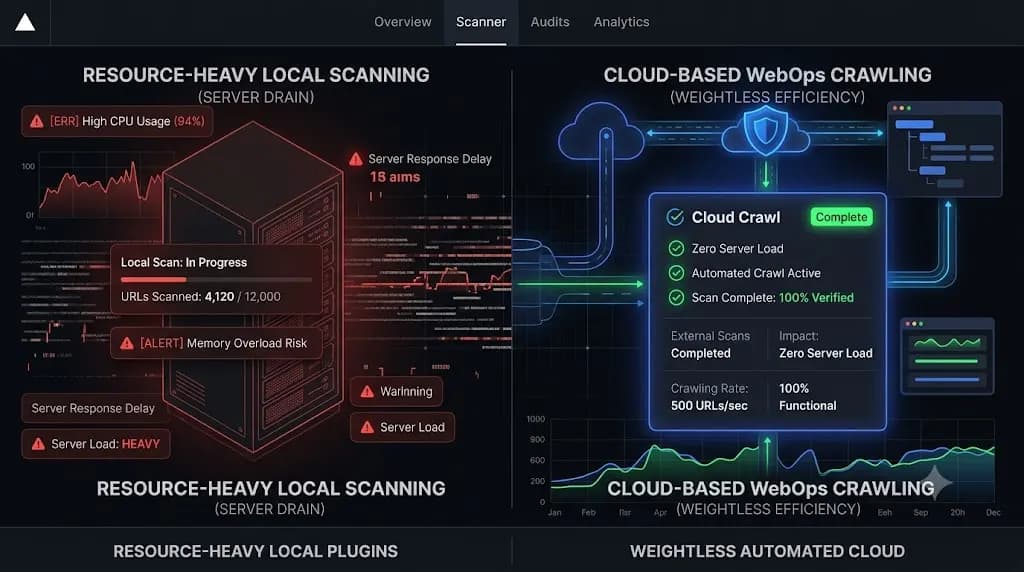
Basic wordpress uptime monitoring tools use HTTP GET requests. When the bot pings the URL, the client’s server must process the PHP, render the HTML, query the database, and send the entire document (sometimes several megabytes of data) back to the bot.
If you are pinging a massive WooCommerce homepage every 60 seconds using a GET request, your monitoring tool is essentially executing a localized Denial of Service attack on your own client. You are burning massive amounts of their server CPU and bandwidth just to ask, “Are you awake?”
The Efficiency of HTTP HEAD
Enterprise monitoring requires a completely different technical approach. Top tier platforms use HTTP HEAD requests.
A HEAD request asks the server for the response headers only, completely ignoring the body content (the HTML, images, and heavy database queries). The server replies with a tiny fraction of a kilobyte of data containing the critical HTTP 200 OK status code.
This allows an agency to poll a high-traffic site at high frequencies without registering a single spike on the client’s CPU usage graph.
Building an Enterprise Polling Strategy
To manage multiple WordPress sites securely and profitably, you must deploy an intelligent polling strategy that balances rapid detection with absolute accuracy.
This is exactly how elite agencies configure their WebOps command centers to handle high volume traffic.
1. The 5-Minute Sweet Spot
Checking a site every 60 seconds creates noise. Checking every 30 minutes creates liability. The industry standard for high tier retainers is a strict 5 minute polling interval.
This interval guarantees that if a catastrophic server failure occurs, your maximum Time to Detection (TTD) is 299 seconds. You have ample time to receive the alert, log into the server, and begin emergency triage before the client’s support inbox floods with customer complaints.
2. Consecutive Failure Logic
To eliminate Alert Fatigue and false positives, your monitoring tool must employ consecutive failure logic.
If a 5 minute HTTP HEAD poll fails, the system should not send an alert immediately. Instead, it should enter a verification state. The system waits 30 to 60 seconds and polls the server a second time from a completely different geographic node.
If the second poll succeeds, the system classifies the event as a momentary network blip, logs it quietly, and suppresses the alert. If the second and third consecutive polls fail, the system confirms a hard outage and immediately dispatches the emergency SMS or Slack notification to your DevOps team.
How SiteOps Automates High-Traffic Monitoring
When we engineered SiteOps, we knew that agencies needed a WordPress monitoring tool that operated seamlessly in the background of massive, high revenue environments.
We built the SiteOps uptime engine specifically to replace fragmented, noisy legacy tools.
- Intelligent Polling: The SiteOps worker continuously polls your client sites via lightweight HTTP HEAD requests every 5 minutes. It uses virtually zero server resources, protecting your client’s Core Web Vitals while guaranteeing visibility.
- Built in Consecutive Verification: SiteOps natively utilizes consecutive failure logic. You will never wake up at 3:00 AM for a false positive network blip. When SiteOps sends an emergency downtime alert, you know the server is definitively offline.
- 1-Click Triage Access: Knowing a site is down is only half the battle. When an alert fires, SiteOps provides 1 click secure admin access from your centralized dashboard. You bypass the standard WordPress login screen, jumping straight into the affected site to diagnose the fatal error immediately.
The Complete WebOps Stack
Uptime is only one metric. A site can be “online” but completely broken on the frontend.
SiteOps integrates 5 minute uptime polling directly alongside our autonomous AI visual regression testing. When you execute safe WordPress updates, the platform verifies the visual layout and triggers an instant auto rollback if the update shatters a CSS grid. Furthermore, our deep WordPress security monitoring engine tracks active CVE vulnerabilities daily.
By consolidating uptime, automated QA, and proactive security into a single flat rate platform, you can automate WordPress maintenance for multiple sites while maintaining higher profit margins than ever before.
Stop relying on noisy ping bots. Stop burning client server resources.
Set up 5 minute uptime monitoring with SiteOps today. Connect your first 3 sites free and experience enterprise grade reliability.
Frequently Asked Questions
What are the best WordPress uptime monitoring tools? The best tools do not use basic HTTP GET requests. Enterprise platforms like SiteOps use lightweight HTTP HEAD requests to poll sites every 5 minutes. Crucially, they employ consecutive failure verification logic to eliminate false positive alerts, ensuring your team is only notified during a hard outage.
Why is my uptime monitor sending false positive alerts? If your tool pings a site every 60 seconds without consecutive failure logic, a momentary 2 second network routing blip or a brief DNS propagation delay will trigger an alert. Advanced platforms verify a failure from a secondary geographic node before sending an emergency notification.
What is the difference between an HTTP GET and HTTP HEAD request? An HTTP GET request forces the server to process PHP and download the entire HTML document (which consumes heavy server CPU and bandwidth). An HTTP HEAD request only asks the server for the response headers (like the 200 OK status code), using almost zero server resources.
How often should an agency monitor client uptime? For standard and high tier maintenance retainers, a 5 minute polling interval is the industry standard. It provides a tight 299 second maximum detection window for hard outages while avoiding the excessive network noise and false positives associated with 60 second polling.
Why did my site go down but my monitoring tool said it was up? This is the HTTP 200 Fallacy. If a plugin update breaks your CSS layout or causes a WooCommerce checkout button to disappear, your server is still technically online and returning a 200 OK status. Basic ping bots cannot “see” broken visual layouts; you need AI visual regression testing for that.
How do you monitor a high traffic WooCommerce store? High traffic stores require lightweight HTTP HEAD polling to preserve server CPU for actual customers. Additionally, you must use synthetic transaction bots during maintenance windows to verify that the checkout form and payment gateway APIs are actually functioning, not just check if the server is awake.
What is alert fatigue in web development? Alert fatigue occurs when developers receive too many false positive downtime notifications. Over time, the team becomes desensitized to the alerts and begins to ignore them. When a legitimate, catastrophic server failure finally happens, the team misses it.
Should I include uptime monitoring in my maintenance retainer? Yes. Uptime monitoring is a core deliverable for any white-label WordPress maintenance plan. It proves to the client that you are actively protecting their digital asset. You should include the monthly uptime percentage in your automated executive reports.
Can a monitoring bot slow down my WordPress site? If you use a poorly configured tool that executes heavy HTTP GET requests every 60 seconds on an unoptimized shared server, yes, it can impact performance. This is why top tier agencies exclusively use platforms that utilize efficient HTTP HEAD requests.
What is the best MainWP alternative for uptime monitoring? When evaluating a MainWP alternative, agencies prioritize integrated verification. A detailed MainWP vs ManageWP vs SiteOps comparison shows that SiteOps unifies 5 minute native uptime polling with visual regression testing and automated rollbacks into a single, flat rate platform.
Written by SITEOPS Engineering
We build the WordPress operations platform agencies use to update, secure and monitor client sites. These guides come directly from maintenance incidents and automated workflows we operate.