Security Monitoring
WordPress Security Monitoring & Malware Detection for Agencies
SITEOPS scans every connected WordPress site for malware, CVE vulnerabilities, core file tampering, and config security issues - automatically. Find threats before they find your clients.
Free forever for 3 sites · No credit card required
WordPress Security Threats Are Mostly Silent
Most WordPress security issues go undetected for weeks or months. By the time you notice, the damage is done.
Malware injected via uploads
PHP files uploaded through vulnerable plugins can execute malicious code on your server undetected.
Unpatched CVEs
Known plugin vulnerabilities get exploited within days of disclosure. Unpatched sites are easy targets.
Modified core files
Attackers modify WordPress core files to maintain persistent access. Without integrity checks, you'll never know.
Exposed configurations
wp-config.php and XML-RPC exposure give attackers a direct path into your WordPress installation.
4-Level WordPress Security Scanning
Find Malware. Fix It. One Click.
L1
Core file integrity
Compares every WordPress core file against official checksums from wordpress.org. Detects modified or injected files instantly.
L2
PHP malware detection
Scans your uploads folder for PHP files - the most common vector for malware injection on WordPress sites.
L3
CVE vulnerability scanning
Checks all installed plugins against Wordfence Intelligence and WPVulnerability for known CVEs. Flags unpatched vulnerabilities immediately.
L4
Configuration security
Checks if wp-login.php is exposed, XML-RPC is enabled, and wp-config.php is accessible from the web. Auto-fixes available for each.
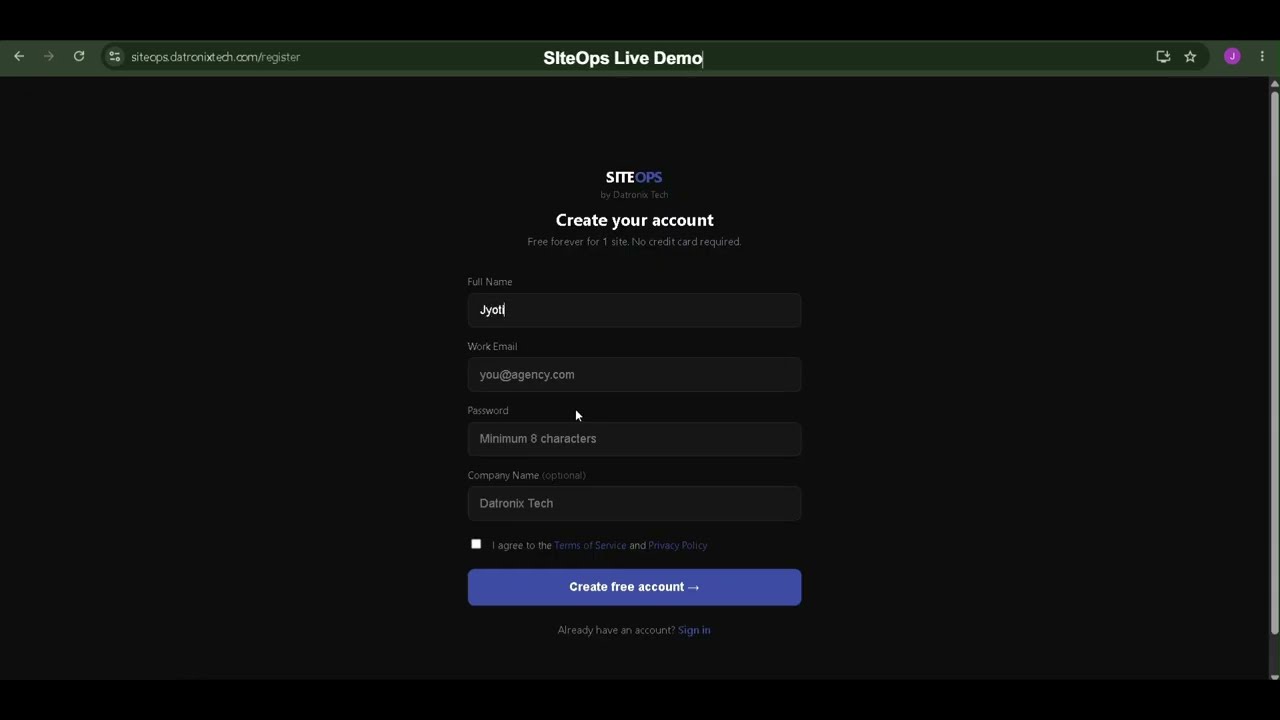
See SITEOPS in action
One dashboard. All your sites. Zero manual work.
Auto-Fix the Most Common Vulnerabilities
Replace modified core files
Downloads the official file from wordpress.org and replaces the compromised version in one click.
Disable XML-RPC
Adds .htaccess rules to block all XML-RPC requests - a common attack vector for brute force and DDoS.
Protect wp-config.php
Adds server-level rules to block direct browser access to your WordPress configuration file.
Quarantine suspicious files
Moves suspicious uploaded files to a quarantine folder for manual review without deleting them.
SITEOPS Risk Score - Know Your Security Posture at a Glance
After every scan SITEOPS calculates a Risk Score from 0-100 for each site.
A
0-15
Excellent
B
16-30
Good
C
31-50
Fair
D
51-70
Poor
F
71-100
Critical
Frequently Asked Questions
WordPress security monitoring continuously scans your WordPress sites for malware, known vulnerabilities (CVEs), modified core files, and configuration security issues - alerting you when threats are detected.
SITEOPS scans your WordPress uploads folder for PHP files, which are a common indicator of malware injection. It also compares core WordPress files against official checksums from WordPress.org to detect modifications.
SITEOPS checks all installed plugins against the Wordfence Intelligence database and WPVulnerability database - two of the most comprehensive sources of known WordPress plugin vulnerabilities.
Yes. SITEOPS can automatically replace modified core files, disable XML-RPC via .htaccess, protect wp-config.php, and quarantine suspicious uploaded files - all with one click from the security dashboard.
Security scans run automatically every month. You can also trigger a manual scan anytime from the dashboard. SITEOPS assigns a Risk Score (0-100) with grade A-F after every scan.
SITEOPS complements security plugins by adding centralised monitoring across all your sites. It uses Wordfence Intelligence as a data source for CVE scanning and provides agency-level visibility that site-by-site plugins can't match.
Ready to streamline your workflow?
Join other agencies who save 10+ hours a week using SITEOPS to manage their client sites.
Founding Members Program is now open. Only 25 WordPress agencies will be accepted.Become a Founding Member