Uptime Monitoring
WordPress Uptime Monitoring That Never Sleeps
SITEOPS checks every WordPress site every 5 minutes, sends instant downtime alerts, and keeps 90 days of uptime history. Know before your clients do.
Free forever for 3 sites · No credit card required
WordPress Downtime Is More Costly Than You Think
The average WordPress site experiences multiple downtime events per month. Without uptime monitoring, each one is invisible until a client calls.
Lost revenue
eCommerce sites lose sales during every minute of downtime.
Damaged reputation
Clients judge your agency by site reliability.
Missed SLAs
Uptime guarantees are impossible without monitoring.
How SITEOPS WordPress Uptime Monitoring Works
Find Malware. Fix It. One Click.
01
Checks every 5 minutes
SITEOPS makes a HEAD request to your homepage every 5 minutes from our Mumbai server.
02
Detects downtime instantly
Two consecutive failed checks trigger a downtime event to avoid false alarms from brief network blips.
03
Sends instant alert
Dashboard alert and email notification fired immediately with error details and timestamp.
04
Monitors recovery
SITEOPS continues checking and sends a recovery notification with total downtime duration when your site comes back.
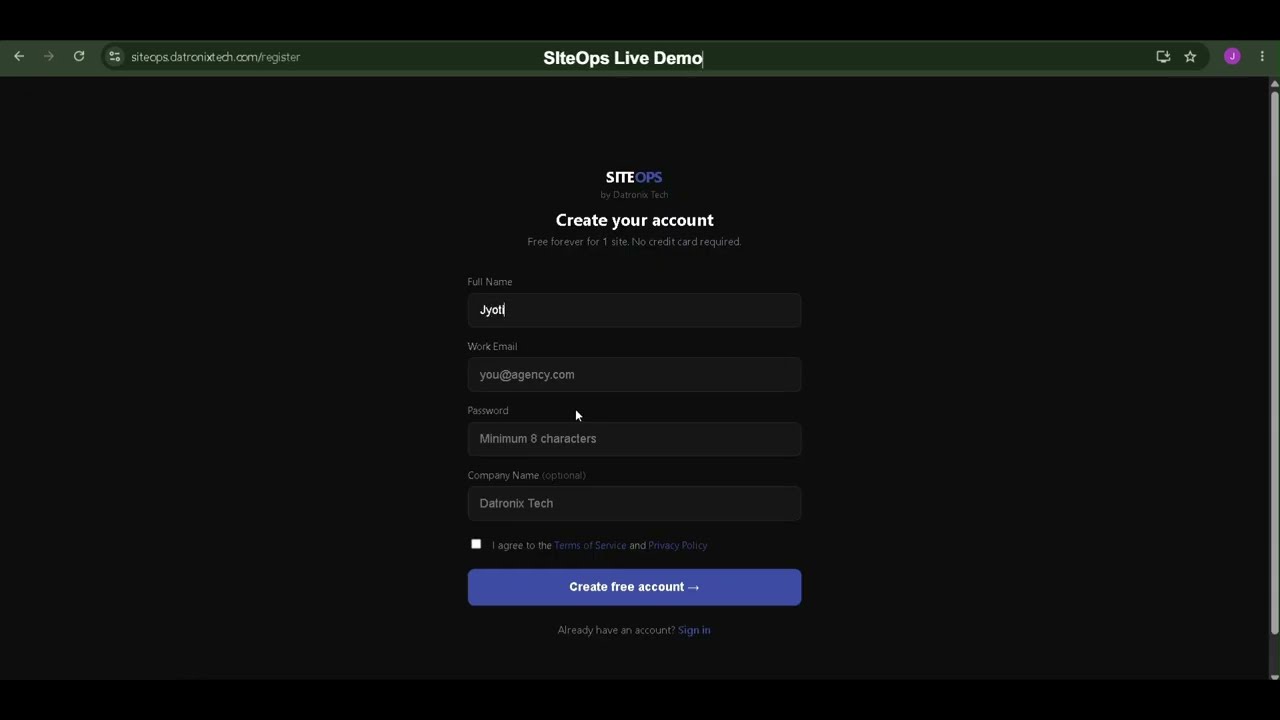
See SITEOPS in action
One dashboard. All your sites. Zero manual work.
Built for Agencies Managing Multiple Sites
⏱️
Reduce downtime
Catch broken updates instantly instead of waiting for client complaints.
Save hours every week
No more manually checking every site after every update cycle.
Improve client trust
Send AI-generated reports showing exactly what was maintained and protected.
Every 5 min
Check frequency
15 sec
Timeout threshold
90 days
History retained
Instant
Alert speed
Frequently Asked Questions
WordPress uptime monitoring automatically checks whether your WordPress site is online and responding at regular intervals. When a site goes down, it sends an immediate alert so you can fix the issue before clients notice.
SITEOPS checks every 5 minutes on paid plans. The free plan includes hourly uptime checks for 3 sites.
A site is considered down when it returns an HTTP error (4xx, 5xx) or fails to respond within 15 seconds. Two consecutive failed checks trigger a downtime alert to avoid false positives from temporary network issues.
SITEOPS retains uptime history for 90 days on paid plans. You can view response times, downtime events, and availability percentages across 24h, 7d, 30d, and 90d time windows.
Yes. SITEOPS sends a recovery notification when your site comes back online, including the total downtime duration so you have a full incident record.
Yes. SITEOPS monitors all connected sites simultaneously. Starter supports 10 sites, Growth supports 50, and Agency Pro supports unlimited sites.
Ready to streamline your workflow?
Join other agencies who save 10+ hours a week using SITEOPS to manage their client sites.
Founding Members Program is now open. Only 25 WordPress agencies will be accepted.Become a Founding Member