Alert fatigue
Five tools means five inboxes, and the one alert that matters drowns in noise.
Uptime, security, broken links and page speed for your whole portfolio, in one dashboard, with alerts only when something is actually wrong.
Five tools means five inboxes, and the one alert that matters drowns in noise.
Uptime says the site is up. It doesn’t say the checkout is broken or a plugin has a new CVE.
When the client emails “is the site down?”, you’ve already lost the conversation.
One plugin per site. Every check below starts automatically.
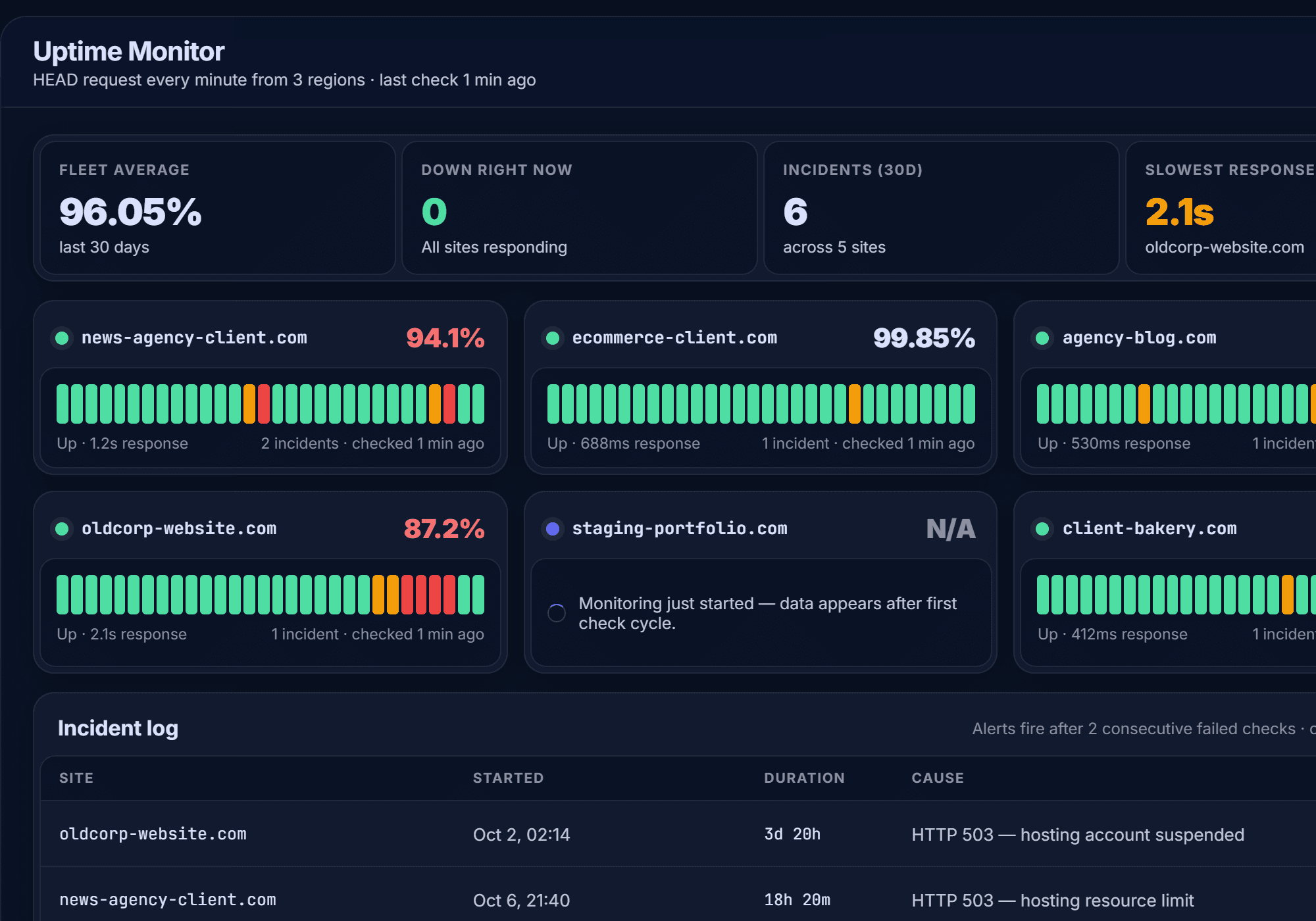
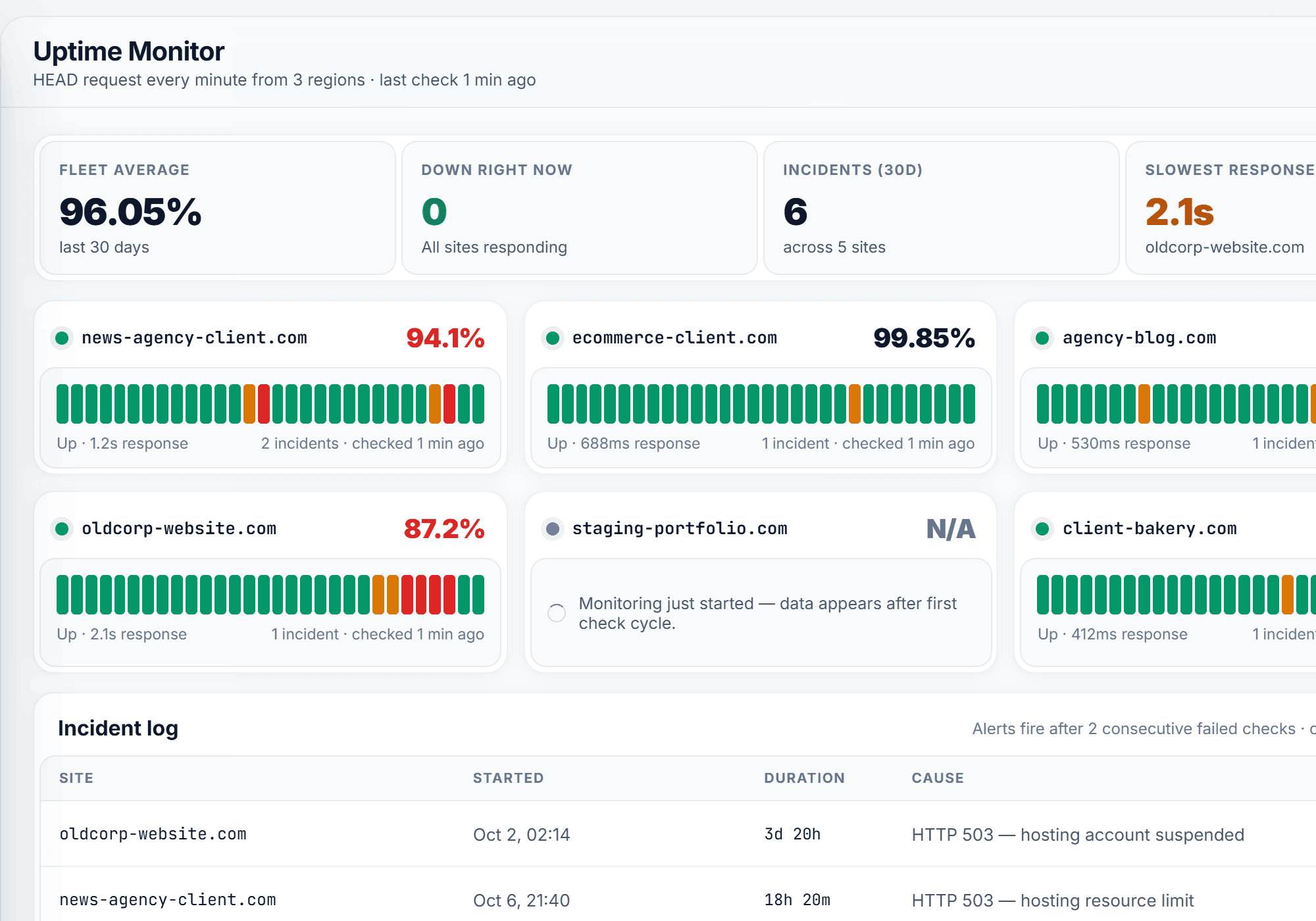
Uptime every 5 minutes, security monthly and on demand, broken links monthly, PageSpeed per site.
Every alert across every site, sorted Critical, High, Warning and Info.
1-click admin, security auto-fix and update rollback are one click from the alert.
5-minute checks, two-failure confirmation and a full downtime event log.
Core integrity, uploads malware, CVEs and config exposure in one A-F grade.
Monthly crawls catch 404s, missing images and dead external links before Google does.
LCP, CLS and FCP on mobile and desktop, with WordPress-specific fixes.
PHP, WordPress and server health for every site in one view.
Dashboard alerts instantly, email on paid plans, with recovery notices.
At minimum: uptime, security (malware, vulnerable plugins, core file changes), broken links and page speed. Together they catch most problems a client would otherwise report first.
Uptime every 5 minutes. Security scans run monthly automatically and on demand. Broken links are crawled monthly. PageSpeed is tracked per site.
Rarely. A site is only marked down after two consecutive failed checks, so a single network blip never triggers an alert.
Yes. SITEOPS monitors from outside, so sites can be on any host that meets the plugin requirements.
Every alert appears in the dashboard immediately. On paid plans you also get an email with the site, time, error and a direct link, plus a recovery notice.