Our Safe Update Engine
Safe WordPress Updates Without Breaking Your Site
AI-powered updates with visual testing and automatic rollback. Update plugins, themes, and core with confidence - every time.
Free forever for 3 sites · No credit card required
Why WordPress Updates Break Websites
One update can be the difference between a smooth site and a broken checkout page. The most common causes:
Plugin conflicts
Two plugins modifying the same hook or function in incompatible ways
Theme conflicts
A plugin update assumes theme support that your specific theme doesn't have
PHP incompatibility
Newer plugin versions requiring a PHP version your hosting doesn't run
JavaScript conflicts
Script errors silently breaking interactive elements like forms or checkout
The Old Way vs Safe Updates
Stop crossing your fingers when you click update. SITEOPS brings enterprise-grade update safety to every WordPress site you manage.
How SITEOPS Makes WordPress Updates Safe
01
Backup
A full snapshot of your database and plugin state is taken before any update begins.
02
Update
Plugins, themes, or WordPress core are updated with AI-assigned risk scoring based on the changelog.
03
Visual comparison
Before and after screenshots are compared pixel-by-pixel. Significant differences trigger a closer AI review.
04
Rollback if broken
If the update caused a visual regression, SITEOPS automatically restores the pre-update snapshot - no manual intervention.
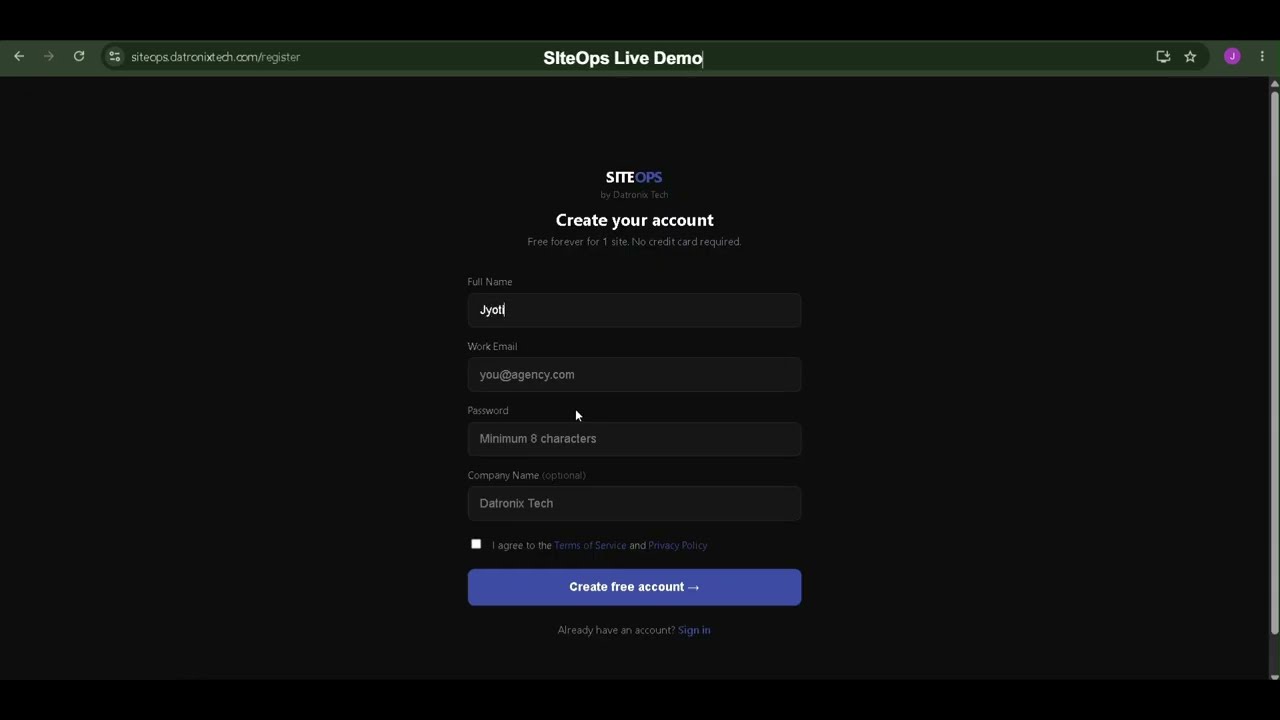
See SITEOPS in action
One dashboard. All your sites. Zero manual work.
Built for Agencies Managing Multiple Sites
⏱️
Reduce downtime
Catch broken updates instantly instead of waiting for client complaints.
Save hours every week
No more manually checking every site after every update cycle.
Improve client trust
Send AI-generated reports showing exactly what was maintained and protected.
Frequently Asked Questions
The safest method is to take a full backup before updating, apply the update, then visually compare the site before and after to confirm nothing broke - rolling back automatically if it did. This is exactly what SITEOPS automates on every update.
Plugin conflicts are hard to predict in advance. The reliable approach is catching them immediately after they happen - by comparing screenshots before and after an update and rolling back automatically if the page layout changes unexpectedly.
Yes. Plugin and theme updates can conflict with your specific combination of plugins, theme, and PHP version, breaking checkout flows, forms, or layout. This is one of the most common causes of WordPress downtime for agencies.
Yes. SITEOPS takes a snapshot before every update and compares before/after screenshots using AI. If a significant visual difference is detected, it automatically restores the pre-update snapshot - no manual intervention.
Premium plugins (like Elementor Pro or WooCommerce extensions) use custom update servers and require manual updates. SITEOPS detects these automatically and gives you 1-Click Admin access to update them quickly.
Ready to streamline your workflow?
Join other agencies who save 10+ hours a week using SITEOPS to manage their client sites.
Founding Members Program is now open. Only 25 WordPress agencies will be accepted.Become a Founding Member