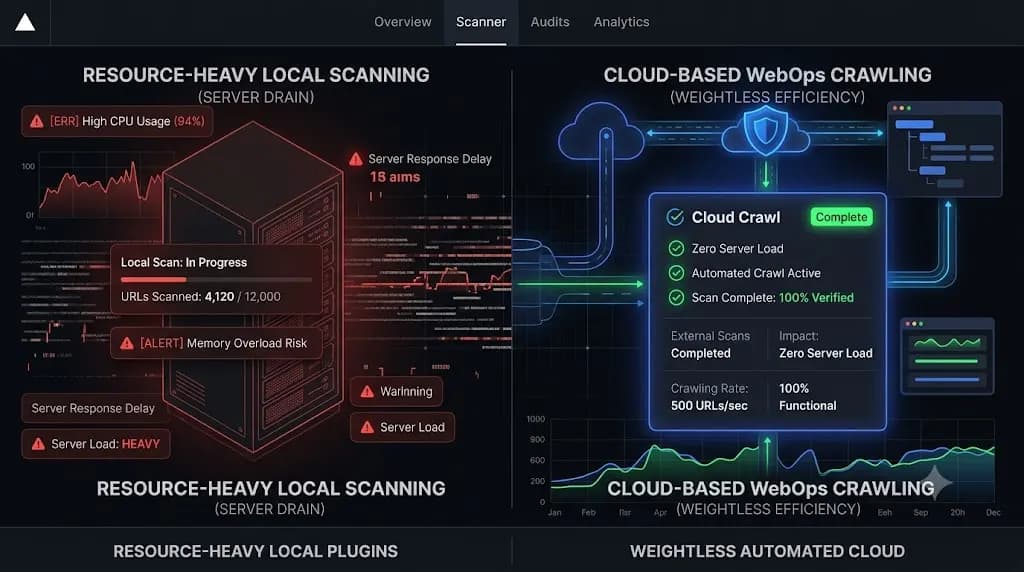
How to Eliminate WordPress Staging Environment Drift Using Automated CI/CD?
If you manage dozens of client websites on maintenance retainers, you already know the most terrifying phrase in agency operations. “But it worked on staging.” You pull a fresh copy of a client’s live WooCommerce site. You run the pending plugin updates on the staging environment. You manually click through the checkout page, and everything […]
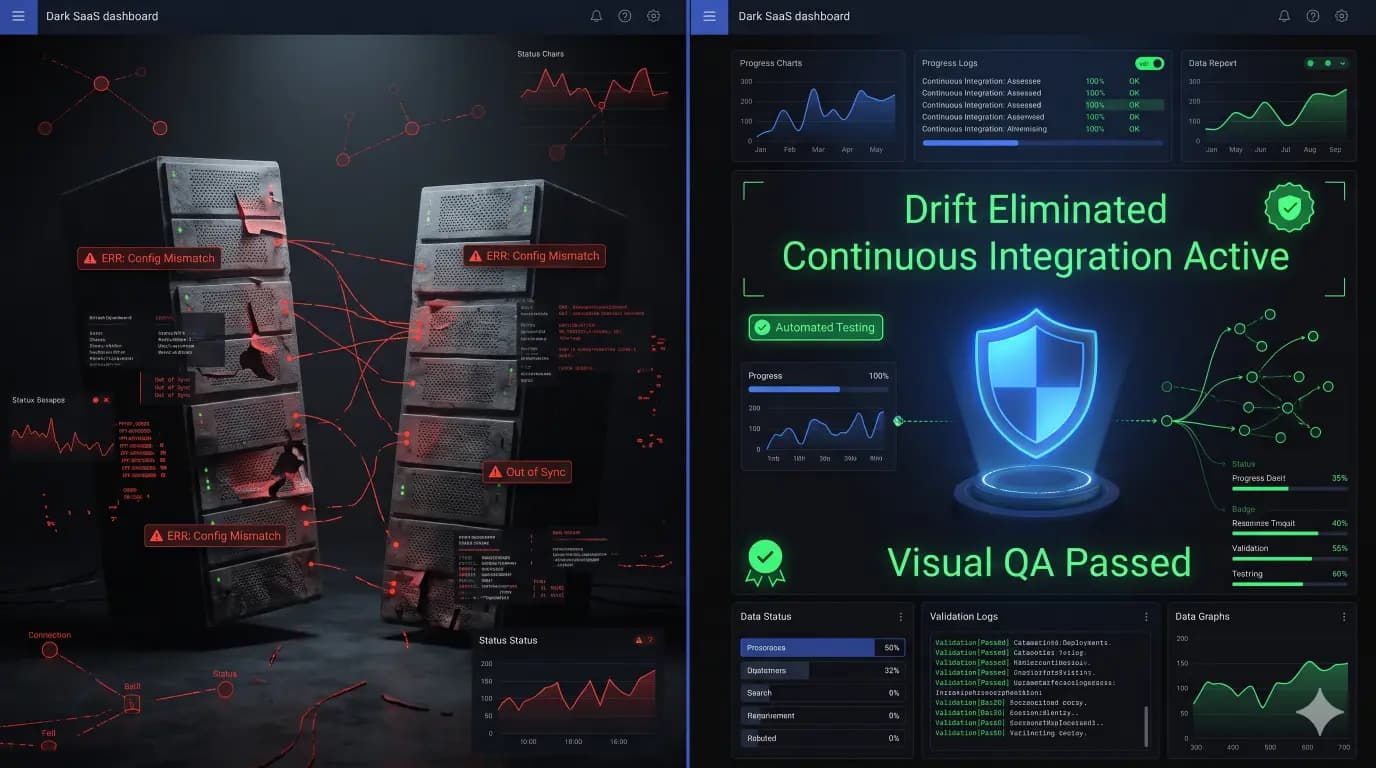
- Always capture a pre-update snapshot of both the database and files before updates.
- Run pixel-by-pixel visual diffing: changes above 5% indicate critical layout breaking.
- Automate rollbacks without human delays to prevent lost revenue on client stores.
- Quarantine suspect files instead of deleting so post-mortem analysis remains possible.
If you manage dozens of client websites on maintenance retainers, you already know the most terrifying phrase in agency operations.
“But it worked on staging.”
You pull a fresh copy of a client’s live WooCommerce site. You run the pending plugin updates on the staging environment. You manually click through the checkout page, and everything looks perfectly stable. You push the code deployment to the live production server, and the entire CSS layout shatters instantly.
This operational nightmare is caused by wordpress staging environment drift.
Staging environments are fundamentally flawed because they represent a static snapshot in time. The exact second you clone a dynamic production site, the live server begins to drift away from your clone. Customers place new orders. The client publishes a new blog post. Caching layers build new transients. By the time you finish your testing and deploy your code, your staging environment and your production environment are entirely different systems.
This technical guide breaks down the exact mechanics of environment drift, why pushing databases is a fatal error, and how elite agencies use automated CI/CD for WordPress paired with autonomous visual regression testing to eliminate deployment anxiety permanently.
Quick Answer: What is WordPress staging environment drift?
WordPress staging environment drift occurs when a live production website and its staging clone become out of sync. Because a live WordPress database changes constantly (new orders, comments, caching), a staging site becomes obsolete the moment it is created. If you test plugin updates on an obsolete staging site and push those changes to production, the structural mismatch can trigger fatal PHP errors or shattered CSS layouts on the live site.
The Reality of Dynamic Databases
To stop breaking live sites, you must understand the architecture of the failure.
In a static HTML environment, staging drift does not exist. You change a text file, you push the text file, and the live site updates. WordPress is a dynamic Content Management System (CMS) powered by a MySQL database.
Every action taken on the live website alters the database. If you run a high volume e commerce store, the wp_posts and wp_options tables are changing every single minute.
If you spend three hours testing plugin updates on a staging server, your staging database is now three hours behind the live production database.
The Deployment Trap: Files vs Database
When you are ready to push your tested updates from staging to production, you face a massive operational trap. You have two choices, and traditional tools make both of them dangerous.
Option 1: Pushing the Staging Database to Production
If you use a basic hosting tool to push your staging database to the live server, you guarantee data loss. You will instantly overwrite the live database with your three hour old staging database. Every customer order, user registration, and content edit that happened on the live site while you were testing is permanently deleted.
You can never push a staging database to an active production site.
Option 2: Pushing Only the Files (The Schema Mismatch)
Knowing the danger of database overwrites, most developers use FTP or basic deployment scripts to push only the updated plugin files to the live server.
This prevents data loss, but it triggers fatal errors. Major plugin updates (especially WooCommerce or SEO tools) frequently require database schema migrations. If you test an update on staging, the staging database structure changes to match the new files.
When you push those new files to the production server without the accompanying database changes, the updated PHP files attempt to query database tables that do not exist yet on the live server. The result is an immediate White Screen of Death or a broken checkout flow.
Moving to Automated CI/CD for WordPress
To eliminate staging drift and stop breaking live client sites, scaling agencies abandon manual staging workflows entirely. They adopt automated CI/CD (Continuous Integration and Continuous Deployment) pipelines.
A modern wordpress deployment pipeline requires you to strictly decouple your code from your database. You track your custom themes and configuration files in a version control system like GitHub. You build deployment scripts (using tools like GitHub Actions or DeployHQ) that pull the latest approved code directly to the production server.
This workflow is highly efficient. It completely eliminates manual FTP uploads and ensures version control.
However, there is a glaring blind spot with standard CI/CD pipelines in the WordPress ecosystem.
The Blind Spot of Standard Deployments
Standard CI/CD tools only know if the code deployed successfully to the server. They check for an HTTP 200 OK status code.
They have absolutely no idea if the deployment actually broke the visual layout of the website. A successful GitHub Action deployment can still result in a shattered CSS grid or a missing “Add to Cart” button for your visitors.
Automating the execution of code without automating the visual verification of the frontend is simply deploying risk at machine speed.
Bridging the Gap: SiteOps and Autonomous WebOps
You need a safety net that verifies the visual integrity of the site immediately after the CI/CD deployment completes, or immediately after a bulk plugin update runs on the live server.
This operational requirement is exactly why top tier agencies are migrating to SiteOps. SiteOps bridges the gap between code execution and frontend Quality Assurance (QA).
Instead of wasting unbillable hours manually clicking through a staging site that is already drifting out of sync, agencies use SiteOps to run autonomous visual regression testing directly on the live production server.
Here is exactly how SiteOps eliminates deployment anxiety.
1. Visual Regression on Production
When you trigger a plugin update or a code deployment, SiteOps spins up a headless Chromium browser. It visits the live production site and takes a pixel perfect, high resolution snapshot of the Document Object Model (DOM).
The code updates are applied, and the server cache is flushed. The headless browser returns and takes a second snapshot. Artificial intelligence compares the two images. It mathematically proves whether the layout remained intact or if the new code shattered the CSS.
2. Synthetic Transaction Testing
For e commerce clients, visual testing is paired with functional testing. SiteOps deploys a synthetic bot that actually adds a product to the cart and navigates to the checkout page, visually verifying that the Stripe or PayPal payment inputs render correctly after the code changes.
3. Instant Autonomous Auto Rollbacks
If the staging drift caused a fatal error, or if the deployed code breaks the live visual layout, the SiteOps AI detects it instantly.
Within seconds, the platform triggers an autonomous auto rollback. It restores the live database and file system to their exact stable pre update state. The client never experiences the downtime. You simply wake up to a dashboard notification explaining exactly which plugin update failed the visual QA test, allowing you to investigate securely.
Stop Trusting the Staging Environment
If you build your agency operations around the phrase “it worked on staging,” you will constantly battle unbillable emergency triage.
A dynamic website requires dynamic, real time verification. When you evaluate the best WordPress monitoring tools in 2026, you must demand a platform that verifies the actual user experience on the live server.
Stop praying your staging site matches production. By implementing a strict CI/CD pipeline paired with the SiteOps visual regression engine, you eliminate manual QA testing and guarantee that a broken update never stays live.
Test the visual regression engine today. Connect your first 3 sites free and experience absolute operational control.
Frequently Asked Questions
What is WordPress staging environment drift? Staging drift occurs when a live production website changes (new orders, comments, content edits) after a staging clone is created. Because the live database is constantly evolving, the staging environment becomes instantly obsolete, making it a highly inaccurate place to test dynamic plugin updates.
Why shouldn’t I push a staging database to live? If you push a staging database to a live production site, you will overwrite the live database. Any new customer orders, user registrations, or blog posts created on the live site while you were testing on staging will be permanently deleted and lost.
What is automated CI/CD for WordPress? CI/CD stands for Continuous Integration and Continuous Deployment. It is a DevOps practice where code changes (like theme edits) are tracked in a version control system (like GitHub) and automatically deployed to the live server via scripts, eliminating the need for manual FTP uploads.
Why do updates work on staging but break on live? This happens due to environment drift. The live server may have different caching rules, a larger database, or updated server configurations that do not exist on your stagnant staging clone. A plugin update that executes perfectly on staging can easily timeout or conflict on the live production server.
What is visual regression testing? Visual regression testing uses a headless browser to take a screenshot of your site before an update, and a second screenshot immediately after. AI compares the images pixel by pixel to automatically detect visual breaks, missing checkout buttons, or shattered CSS layouts.
Can WordPress automatically update plugins safely? Native WordPress auto updates execute blindly. They push the new code without verifying if it broke the frontend layout or CSS. Safe automation requires a dedicated third party tool with visual verification capabilities to ensure production sites remain stable.
How do agencies fix broken live updates instantly? Top tier agencies use platforms like SiteOps. If the AI detects a visual layout break during a live plugin update, the system halts the process and autonomously triggers an auto rollback, restoring the site’s database and files to their stable state in seconds.
What is a synthetic transaction in WordPress testing? A synthetic transaction is an automated test where a headless browser acts like a real user. It navigates to a page, types data into a form, clicks submit, and visually verifies the success message, proving the business logic of the site is intact without requiring human QA labor.
Is ManageWP safe for bulk updating WooCommerce sites? Legacy tools like ManageWP execute updates blindly and check for a basic HTTP 200 server response. They cannot verify if a checkout layout broke. To safely update complex sites at scale, agencies must use platforms equipped with AI visual regression testing.
How do you prove the value of maintenance to clients? Do not send a raw PDF listing updated plugins. Use an automated reporting tool that translates technical data into a clear executive summary. The report should highlight exactly how many fatal layout breaks were prevented by your proactive visual testing and auto rollback systems.
Written by SITEOPS Engineering
We build the WordPress operations platform agencies use to update, secure and monitor client sites. These guides come directly from maintenance incidents and automated workflows we operate.
Keep reading
All articles →
What WordPress Agencies Use for Local Development and Post-Launch Updates in 2026?
Measuring WordPress Core and Plugin Performance Impact Automatically