What WordPress Agencies Use for Local Development and Post-Launch Updates in 2026?
If you run a digital agency today, building a custom WordPress website has never been easier. The local development tooling available in 2026 is phenomenal. You can spin up a blazing fast, Docker based WordPress environment on your laptop in seconds, write custom PHP, compile your CSS, and push the initial build to a live […]
- Always capture a pre-update snapshot of both the database and files before updates.
- Run pixel-by-pixel visual diffing: changes above 5% indicate critical layout breaking.
- Automate rollbacks without human delays to prevent lost revenue on client stores.
- Quarantine suspect files instead of deleting so post-mortem analysis remains possible.
If you run a digital agency today, building a custom WordPress website has never been easier. The local development tooling available in 2026 is phenomenal. You can spin up a blazing fast, Docker based WordPress environment on your laptop in seconds, write custom PHP, compile your CSS, and push the initial build to a live server flawlessly.
But what happens on day 30? What happens on day 180?
Once the website is live and handed over to the client, the operational dynamic completely changes. The client starts publishing blog posts. Customers start placing WooCommerce orders. The live MySQL database begins to evolve every single minute.
Suddenly, your pristine wordpress local development to production workflow becomes a massive liability. If you pull the live database to your local machine, update plugins, and push that database back to production, you will instantly overwrite and delete every single customer order that occurred while you were testing.
Building the site is solved. Maintaining the site post launch is where agencies bleed money.
This guide breaks down the exact 2026 agency tech stack. We will cover the best tools for local building, expose the dangerous deployment trap that destroys live databases, and reveal how top tier agencies use AI WebOps platforms to automate their post launch maintenance entirely.
Quick Answer: What is the best WordPress workflow for agencies?
In 2026, the optimal WordPress local development to production workflow is split into two distinct phases. For building, agencies use isolated local tools like Local (by Flywheel) or DevKinsta to write code and push the initial launch to production. For post launch maintenance, agencies completely abandon pushing from local environments to avoid database overwrites. Instead, they manage post launch updates directly on the live server using autonomous WebOps platforms like SiteOps, which utilize AI visual regression testing and instant auto rollbacks to guarantee safety.
Phase 1: The Local Development Stack (The Build)
When you are actively building a new site or developing a massive custom feature, you must work locally. Editing files directly on a live server via FTP is a recipe for a catastrophic crash.
The 2026 local stack relies heavily on containerization. Instead of manually configuring complex WAMP or MAMP stacks, modern agencies use dedicated, GUI based Docker environments.
The Top Local Development Tools
- Local (formerly Local by Flywheel): The undisputed industry standard. It allows you to spin up isolated WordPress environments in one click, hot swap PHP versions, and easily route local SSL certificates. It is lightning fast and completely free.
- DevKinsta: An excellent alternative built by Kinsta, running natively on Docker. It offers seamless integration if you are already using their hosting ecosystem, featuring built in database management and local email testing.
- WordPress Studio: Automattic’s newer, lightweight local development environment. It is incredibly fast and designed for seamless integration with WordPress.com and related hosting infrastructures.
The Workflow: Your developers use these tools to build custom themes, construct complex page builder layouts, and configure plugins. Once the site is perfect, they use a migration plugin or an SSH script to push the files and database to the live production server. The site is now launched.
Phase 2: The Deployment Trap (Where Things Break)
The site is live. The client is happy. You have secured them on a profitable WordPress maintenance retainer.
A week later, WooCommerce releases a critical security update. Three of your optimization plugins release compatibility patches.
This is where traditional agencies make a fatal error. They try to use their local development tools to perform routine maintenance.
The Flawed Maintenance Pipeline:
- The developer pulls a copy of the live database and files down to their local machine.
- They run the plugin updates locally and test the checkout flow.
- They push the updated files and the local database back up to the live production server.
The Catastrophic Database Overwrite
This workflow is a disaster for any active business website.
Let us say it takes your developer two hours to pull the site, run the updates, test them, and push everything back to live. During those two hours, the live website was still online. Three new users registered accounts. Four customers placed WooCommerce orders. The client published a new blog post.
When your developer pushes their local database back up to production to finalize the plugin updates, they overwrite the live database. Those four WooCommerce orders, the new users, and the blog post are instantly and permanently deleted.
The hidden cost of broken WordPress updates is not just broken CSS layouts; it is the catastrophic data loss caused by flawed deployment pipelines.
Phase 3: The 2026 Post-Launch Stack (Autonomous WebOps)
You cannot push databases to live production sites for routine maintenance. To safely update WordPress plugins, updates must be executed directly on the live server.
But if clicking “Update All” on a live server is risky, how do you protect the client?
Top tier agencies have solved this by splitting their tech stack. They use local tools to build code, and they use autonomous WebOps platforms to maintain code.
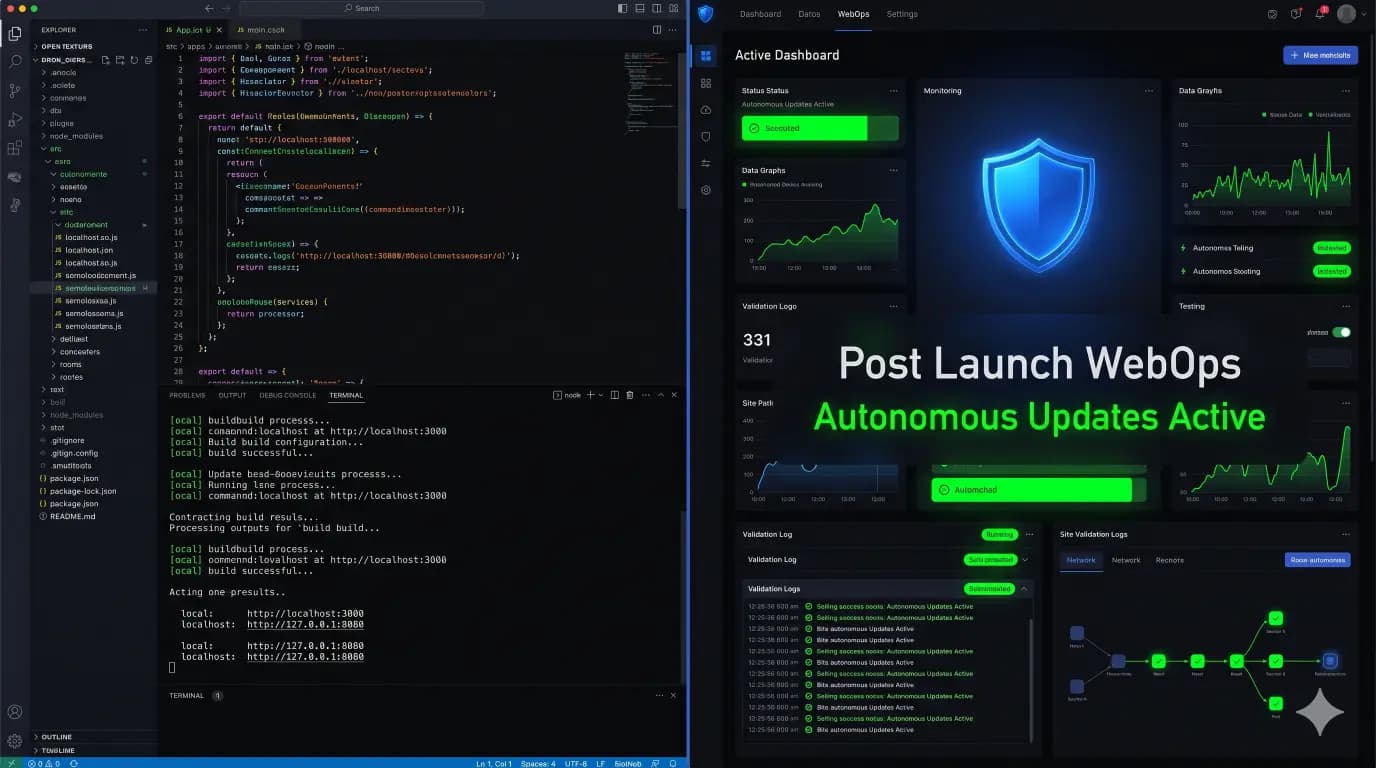
This operational shift is exactly how AI WordPress maintenance is changing agencies. They use platforms like SiteOps to execute post launch updates safely, without ever touching a local environment or risking a database overwrite.
Here is how SiteOps automates the post launch workflow.
1. AI Visual Regression Testing on Production
Instead of testing updates on a local machine, SiteOps acts as your automated QA tester on the live site.
Before it executes a plugin update, SiteOps spins up a headless Chromium browser in the cloud. It visits the live production site and captures a pixel perfect, high resolution snapshot of the Document Object Model (DOM).
It then applies the updates and flushes the server caching layers. The headless browser returns and takes a second set of screenshots. Artificial intelligence overlays the images to calculate any visual variance. If the update shattered a CSS grid, the AI detects it instantly.
2. Synthetic Transaction Verification
For e commerce sites, visual testing is not enough. SiteOps verifies the business logic natively on production.
During the update sequence, a synthetic bot autonomously adds a product to the cart, navigates to the checkout page, and visually verifies that the required payment widget DOM elements (like Stripe or PayPal) successfully rendered. It mathematically proves the checkout survived the update.
3. The Instant Auto-Rollback Safety Net
If you are updating plugins directly on production, you must have an immediate escape hatch.
If the SiteOps AI detects a shattered visual layout or a broken checkout during an update, it halts the process instantly. Within seconds, it triggers an autonomous auto rollback.
The platform uses its own isolated, pre flight backup to restore the live MySQL database and file system to their exact stable state. Because the failure was detected instantly and rolled back in seconds, no live customer data was lost, and the end user never experienced downtime.
Bridging the Gap: Build Locally, Maintain Autonomously
If you manage a digital agency, you must define the boundaries of your tools.
Local development environments are incredible for writing custom code and designing new themes. But relying on them to manage routine weekly plugin updates across a portfolio of 50 active clients is highly inefficient and dangerous to live data.
When you evaluate a WordPress maintenance tool, you are looking for a platform that takes ownership of the site the minute it goes live.
By integrating a platform that offers AI visual regression, synthetic transaction testing, and proactive WordPress security monitoring, you completely eliminate the manual QA bottleneck. You never have to worry about overwriting a live database again.
You can automate WordPress maintenance for multiple sites securely today.
Stop pushing databases from localhost. Keep your live data safe. Try SiteOps free for your first 3 sites.
Frequently Asked Questions
What is a WordPress local development to production workflow? It is the lifecycle of how code is written and deployed. A developer builds a site on their own computer using local software (like Local or DevKinsta). Once finished, the site files and database are pushed to a live production server for the public to access.
Why shouldn’t I push plugin updates from local to live? If you update plugins locally and push the database to a live site, you will overwrite the live database. Any new user registrations, WooCommerce orders, or blog posts created on the live site while you were testing locally will be permanently deleted. Routine updates must happen on the live server (or staging) to protect dynamic data.
How do I safely update plugins on a live production site? Never push updates blindly. To update safely on production, you must use an automated WebOps platform like SiteOps. It takes a backup, applies the update, uses AI visual regression testing to verify the layout did not break, and automatically rolls the site back if it detects an error.
What are the best local WordPress development tools? In 2026, the industry standards are containerized, GUI based tools. Local (formerly Local by Flywheel) is the most popular due to its speed and ease of use. DevKinsta is excellent for Kinsta hosting users, and WordPress Studio provides a lightweight alternative.
How do agencies manage post launch WordPress updates at scale? Top tier agencies completely separate their build tools from their maintenance tools. Once a site is launched, they use centralized white-label WordPress maintenance platforms to handle bulk updates, uptime monitoring, and security scanning autonomously.
What is visual regression testing in WordPress? Visual regression testing uses a headless browser to take a screenshot of your site before an update, and another screenshot immediately after. AI compares the images pixel by pixel to automatically detect visual breaks, missing checkout buttons, or shattered CSS layouts.
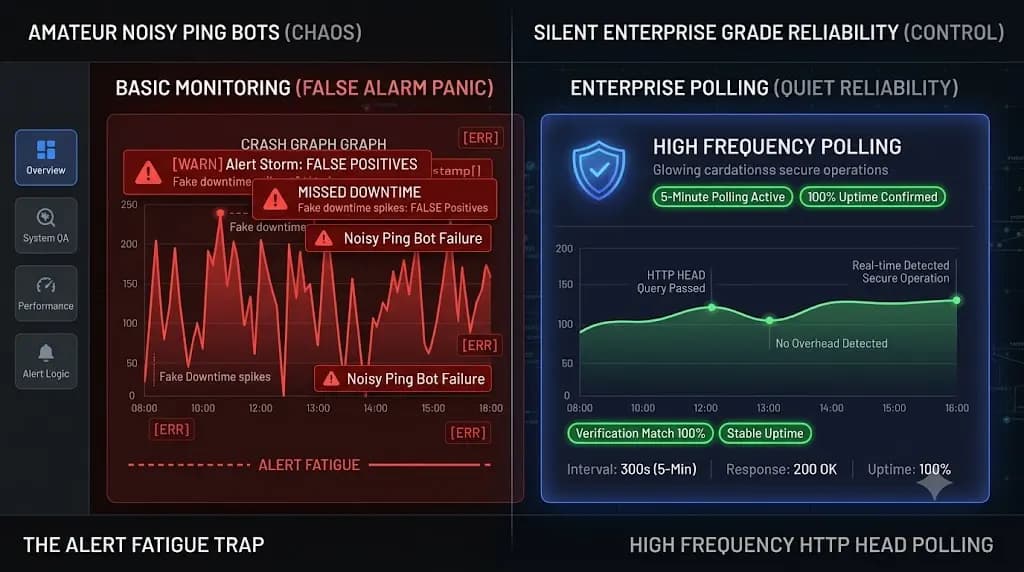
What is the HTTP 200 Fallacy in web maintenance? The HTTP 200 Fallacy is the dangerous assumption that a successful server response equals a healthy website. Legacy WordPress uptime monitoring tools only check if the server is awake. A site can return a 200 status while serving a completely broken layout, making basic ping bots useless for verifying updates.
How does SiteOps test a WooCommerce checkout automatically? During an update, the SiteOps headless browser executes a synthetic transaction. It automatically adds a product to the cart, navigates to the checkout page, and visually verifies that the required payment widgets (like Stripe) render correctly on the screen.
What happens if a plugin update breaks my site on SiteOps? If an update causes a visual break or functional failure, the SiteOps AI detects the variance instantly. Before the client or their customers ever see the error, the system autonomously triggers an auto rollback, restoring the site’s database and files to their stable state in seconds.
Is MainWP a good alternative for managing live updates? While researching a MainWP alternative, agencies find that legacy self hosted tools still rely on basic server pings and blind execution. A detailed MainWP vs ManageWP vs SiteOps comparison proves that safe post launch maintenance requires AI visual verification and automated rollbacks.
Written by SITEOPS Engineering
We build the WordPress operations platform agencies use to update, secure and monitor client sites. These guides come directly from maintenance incidents and automated workflows we operate.