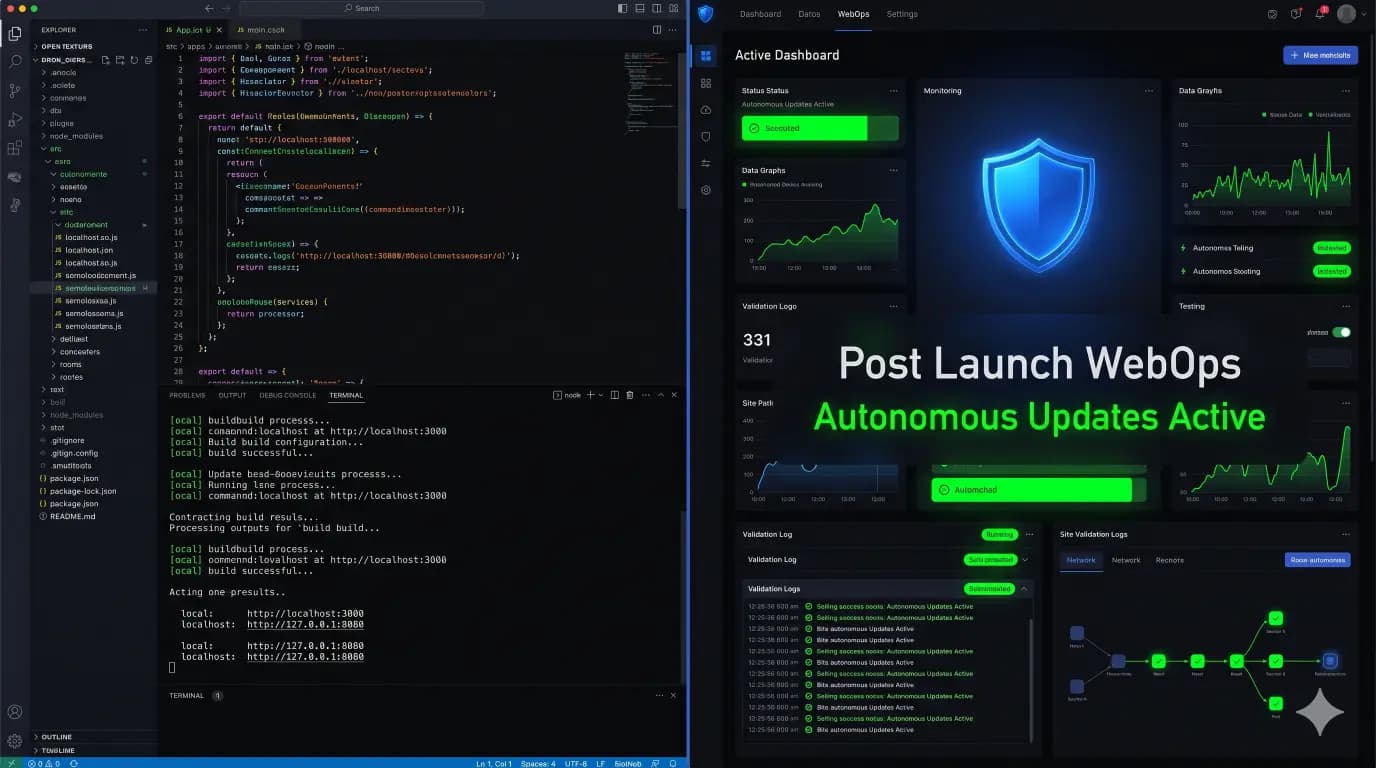
The Hidden Performance Tax of Outdated PHP on WooCommerce Checkouts
Your client runs a high volume e commerce store. They spend thousands a week on paid ads. Traffic is high, but their cart abandonment rate is hovering around 75 percent. You audit the website. You optimize the images. You install a premium caching plugin. You minify the CSS and defer the JavaScript. The homepage loads […]
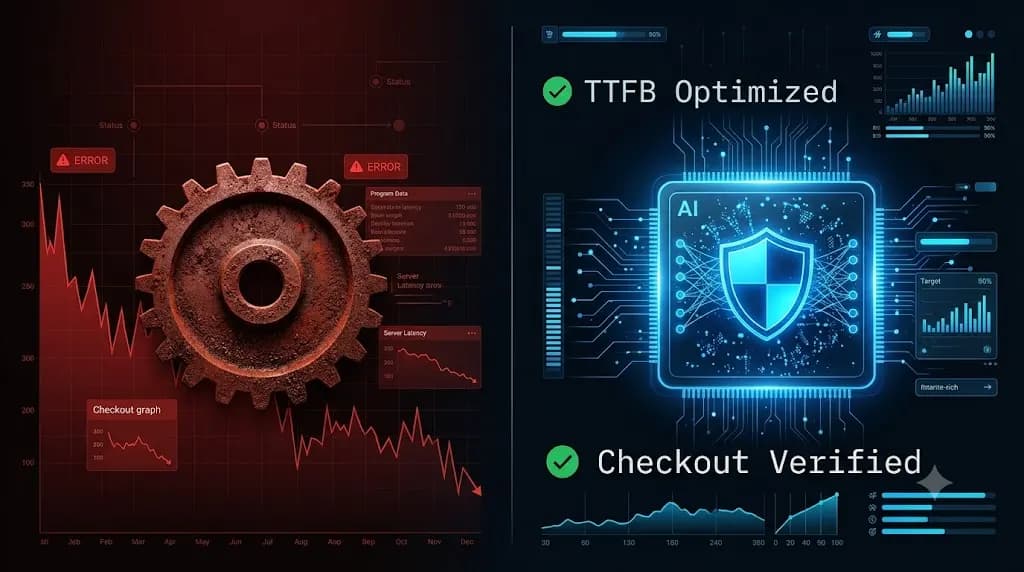
- Always capture a pre-update snapshot of both the database and files before updates.
- Run pixel-by-pixel visual diffing: changes above 5% indicate critical layout breaking.
- Automate rollbacks without human delays to prevent lost revenue on client stores.
- Quarantine suspect files instead of deleting so post-mortem analysis remains possible.
Your client runs a high volume e commerce store. They spend thousands a week on paid ads. Traffic is high, but their cart abandonment rate is hovering around 75 percent.
You audit the website. You optimize the images. You install a premium caching plugin. You minify the CSS and defer the JavaScript. The homepage loads in 1.5 seconds. You tell the client the site is perfectly optimized.
But the conversions still fall flat.
When a user adds an item to the cart and proceeds to checkout, the page hangs. The loading spinner rotates for four agonizing seconds before the credit card fields appear. In the e commerce world, a four second delay at checkout is a death sentence.
You have checked every plugin, but you missed the foundational layer. The server is still running PHP 7.4.
This is the hidden performance tax. When you manage multiple WordPress sites, leaving clients on outdated server environments creates a massive drag on database execution.
This technical guide breaks down exactly why outdated PHP chokes WooCommerce, why agencies are terrified to update it, and how elite WebOps teams use autonomous synthetic transaction testing to execute safe server upgrades without breaking client revenue.
Quick Answer: How does outdated PHP affect WooCommerce?
Outdated PHP directly impacts WooCommerce by increasing the Time to First Byte (TTFB) and slowing down dynamic database queries. Because checkout pages cannot be heavily cached, they rely on raw PHP execution speed. Running an older version like PHP 7.4 instead of PHP 8.x can make the checkout process up to 30 percent slower. This latency creates a hidden performance tax, leading directly to higher cart abandonment and lost sales.
The Anatomy of a Slow Checkout
To fix a slow checkout, you must understand why standard optimization techniques fail on e commerce sites.
If you manage a simple blog, a caching plugin (like WP Rocket) generates a static HTML version of your pages. When a user visits, the server hands them the static file instantly. The PHP engine barely does any work.
WooCommerce checkouts are highly dynamic. You cannot cache a checkout page. Every time a customer attempts to pay, the server must calculate tax rates based on their zip code, query the database for active inventory, apply conditional discount logic, and communicate with a third party payment gateway like Stripe.
All of this logic requires raw PHP execution.
The Generational Speed Gap
PHP is the engine that runs WordPress. Every new version is mathematically faster and more efficient at executing code and querying the MySQL database.
The performance gap between PHP 7.4 and PHP 8.2 is massive. Benchmarks consistently show that PHP 8.x can handle significantly more requests per second. When you leave a WooCommerce client on an outdated version, you force their server to work harder and slower to process every single transaction.
This latency compounds during high traffic events like Black Friday, resulting in server timeouts, 502 Bad Gateway errors, and completely lost orders.
The Agency Dilemma: Why Developers Fear PHP Updates
If upgrading PHP makes the site faster, why do thousands of agencies leave their clients on outdated versions?
Fear.
Updating a server environment is not like updating a standard SEO plugin. It is a fundamental shift in how the code is read. PHP 8.x introduced strict typing and deprecated dozens of older functions.
If your client is running an older custom theme, or if you failed to safely update WordPress plugins for several months, those outdated files likely contain deprecated PHP code.
When you flip the switch on the server to upgrade to PHP 8.2, that deprecated code triggers an immediate PHP Fatal Error. The entire site crashes, resulting in the dreaded White Screen of Death.
To avoid the hidden cost of broken WordPress updates and the resulting client panic, agencies simply leave the server on PHP 7.4. They accept the performance tax to avoid the liability of a broken website.
The Financial Drain of Avoiding Upgrades
Choosing stability over performance is a false economy. The financial damage of a slow checkout is just as severe as an offline website; it just happens quietly.
If a client averages $5,000 a day in sales, a checkout that takes four seconds to load will actively turn buyers away. Amazon famously calculated that every 100 milliseconds of latency cost them 1 percent in sales.
By leaving the site on an outdated environment, your agency is actively reducing the client’s Return on Ad Spend (ROAS). If they realize their site is sluggish compared to competitors, they will eventually cancel your profitable WordPress maintenance retainer and hire an agency that prioritizes speed.
Safely Upgrading: Automating the QA Process
You must upgrade your clients to modern environments. But you cannot do it blindly.
To bridge the gap between performance and stability, top tier agencies have abandoned manual testing. They do not spend hours clicking through staging sites hoping they find the fatal errors. They use autonomous WebOps platforms to verify the business logic instantly.
This operational shift is exactly how AI WordPress maintenance is changing agencies.
By integrating SiteOps into your maintenance stack, you completely eliminate the anxiety of major environment upgrades. Here is how SiteOps protects your agency during a massive structural change.
1. Synthetic Transaction Verification
When you prepare a staging site for a PHP upgrade, a simple server ping is useless. You need to know if the checkout logic survived the transition.
SiteOps deploys synthetic transaction bots. A headless Chromium browser autonomously visits the upgraded staging site, adds a product to the cart, navigates to the checkout page, and visually verifies that the Stripe or PayPal payment inputs render correctly.
It mathematically proves that the business logic is fully compatible with the new PHP version, entirely without human intervention.
2. AI Visual Regression
PHP fatal errors often break specific modules rather than the entire site. A deprecated function might just break the product image gallery.
SiteOps takes pixel perfect snapshots of your critical pages before the upgrade, and a second set of snapshots immediately after. Artificial intelligence compares the images to guarantee the CSS grid and DOM structure remained completely intact.
3. Continuous Performance Delta Monitoring
Once the site is safely upgraded to production, SiteOps tracks the actual ROI of your work.
The platform utilizes deep WordPress monitoring tools to measure the Time to First Byte (TTFB) and server response times. It logs the performance delta, proving to your client exactly how much faster their checkout became after your agency executed the environment upgrade.
Stop Bleeding Client Revenue
If you evaluate a legacy ManageWP alternative or a MainWP alternative, you will notice they do not offer synthetic checkout testing or visual regression. They leave you completely blind when performing major structural updates.
You cannot manage modern e commerce clients with tools built for static blogs.
By implementing an autonomous WordPress maintenance tool equipped with synthetic bots and AI visual regression, you can upgrade your clients’ infrastructure safely, eliminate the hidden performance tax, and secure your retainer margins.
You can automate WordPress maintenance for multiple sites securely today.
Stop guessing if the checkout works. Let the AI verify it. Test the synthetic transaction engine today.
Frequently Asked Questions
Why is an outdated PHP version bad for WooCommerce? Outdated PHP versions are significantly slower at executing code and querying the database. Because WooCommerce checkouts are dynamic and cannot be cached, they rely heavily on raw PHP speed. Older versions cause high latency, leading to cart abandonment and lost sales.
What happens if I update PHP and my WordPress site breaks? If a site breaks after a PHP upgrade, it means an active plugin or custom theme contains outdated, deprecated code that is incompatible with the new strict typing rules of modern PHP. The server throws a fatal error. You must revert the server to the older PHP version and isolate the offending plugin.
How do I test a WooCommerce site before updating PHP? Never update PHP directly on a live production server. Clone the site to a staging environment, apply the server upgrade, and thoroughly test the checkout flow. Top agencies automate this using synthetic transaction bots like SiteOps to verify the business logic autonomously.
Why is my WooCommerce checkout so slow? Checkout pages bypass standard page caching. If the checkout is slow, it is usually due to heavy database queries, bloated unoptimized plugins loading unnecessary scripts, or an outdated server environment (like PHP 7.4) struggling to process the transaction logic.
What is synthetic transaction testing in WordPress? A synthetic transaction is an automated test where a headless browser acts like a real user. It navigates to a product page, adds an item to the cart, proceeds to checkout, and visually verifies that the payment widgets loaded correctly, proving the site can process orders.
How does SiteOps help with WooCommerce updates? SiteOps acts as an autonomous QA tester. When you run updates, it takes before and after screenshots to check for visual layout breaks, and it runs synthetic bots to verify the checkout. If anything fails, it instantly triggers an auto rollback to restore the site.
What is the HTTP 200 Fallacy in web performance? The HTTP 200 Fallacy is the dangerous assumption that a successful server response equals a healthy site. A server can return a 200 OK status while taking 8 seconds to load a broken checkout page. Basic ping monitors miss this, which is why functional testing is required.
Can I cache a WooCommerce checkout page? No. Caching the checkout page or the cart page will break the site. Customers will see other people’s items in their cart, and the payment nonces will expire, preventing transactions. These pages must remain dynamic, making server execution speed critical.
How do you prove the value of performance optimization to a client? Use an automated white-label WordPress maintenance reporting tool. The report should explicitly show the reduction in Time to First Byte (TTFB) and server response times after your upgrades, directly tying your work to improved checkout conversion rates.
Why do agencies use visual regression testing? Visual regression testing automatically compares the visual layout of a website before and after code changes. It eliminates the need for humans to manually click through staging sites to look for broken CSS, saving agencies dozens of unbillable hours every month.
Written by SITEOPS Engineering
We build the WordPress operations platform agencies use to update, secure and monitor client sites. These guides come directly from maintenance incidents and automated workflows we operate.
Keep reading
All articles →
Why Manual Malware Scanning Is a Liability for High-Growth WordPress Agencies
How to Eliminate WordPress Staging Environment Drift Using Automated CI/CD?