I Audited My Own WordPress Maintenance Agency. What I Found Was Embarrassing.
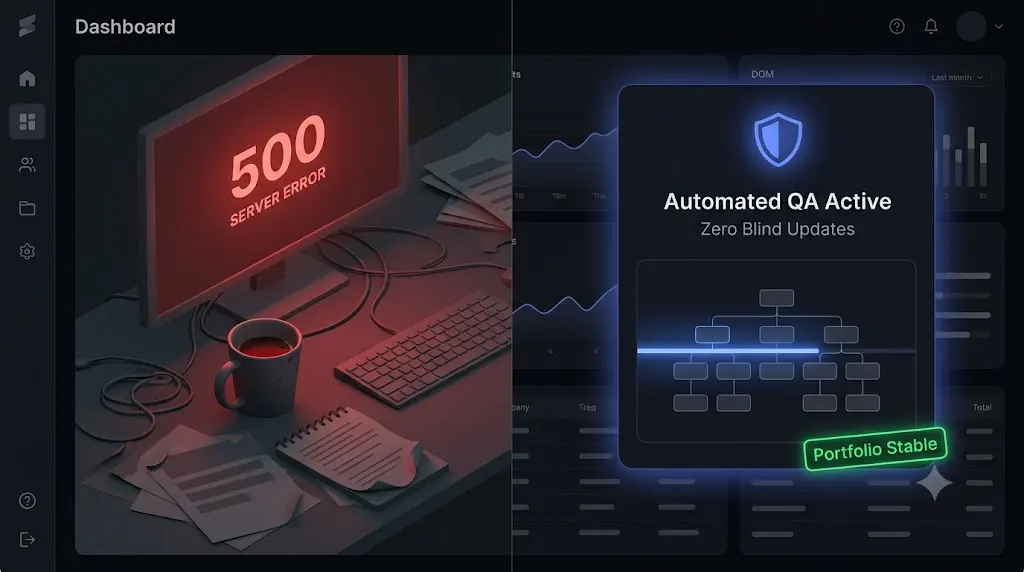
Three years ago, I thought we had finally “made it.” Our wordpress maintenance agency had just crossed 50 active clients on monthly retainers. MRR was stabilizing our cash flow, our legacy management dashboard was filled with green checkmarks, and I was genuinely proud of the operation we had built.
We were selling peace of mind. Clients paid us to keep their sites secure, fast, and fully updated.
One random Tuesday evening, after reading a security blog about deep database malware, I decided to do something I had not done in months. Instead of just looking at the green checkmarks on our bulk management dashboard, I decided to manually audit a random sample of ten client websites. I bypassed our tools and looked directly at the live frontends and the raw databases.
What I found was horrifying. It was the most embarrassing moment of my professional career.
We were selling a lie. Not intentionally, but operationally. The tools we trusted to protect our wordpress maintenance agency were actively failing us, and we were completely blind to it.
This is a confession post. I am going to share the exact silent failures I uncovered that night, why the industry standard tools missed them entirely, and how that sickening realization forced us to build the autonomous AI platform that runs our agency today.
Quick Answer: Why do WordPress agencies need to audit their sites?
A WordPress maintenance agency must audit its portfolio because legacy management tools rely on basic HTTP server pings. An HTTP 200 status code tells you the server is online, but it cannot tell you if a plugin update shattered a CSS layout or if a form stopped working. Agencies must audit sites manually or use automated AI WordPress maintenance platforms with visual regression testing to verify the actual frontend user experience.
The Tuesday Night Audit: Three Silent Catastrophes
When you manage multiple WordPress sites, you rely on summary dashboards. If the dashboard says “100% Uptime” and “All Plugins Updated,” you log off and go to sleep.
Here is what was actually happening underneath those green checkmarks.
Discovery 1: The Dead Lead Machine
The first site I audited belonged to a high ticket B2B consulting firm. They spent thousands a month on Google Ads driving traffic to a landing page with a Gravity Forms lead capture form.
The site loaded incredibly fast. The server was healthy. I decided to fill out the form just to be thorough. I typed in my name, hit “Submit,” and the button spun endlessly.
A caching plugin update we had pushed three weeks prior was aggressively caching the WordPress AJAX security nonce. The nonce was expiring every 12 hours, meaning the form was physically incapable of accepting submissions for the entire second half of every day.
The client was burning ad spend. Our WordPress monitoring tool reported 100% uptime because the server was responding perfectly. We had no idea the business logic was dead.
Discovery 2: The Shattered WooCommerce Checkout
The third site on my list was a boutique clothing brand running WooCommerce.
I clicked around the shop archive. It looked beautiful. I added a shirt to the cart and navigated to the checkout page. The credit card input fields were completely missing. There was just a blank white box where the Stripe integration was supposed to be.
A minor update to the theme had altered the CSS classes that the payment gateway relied on. The layout was fundamentally broken on mobile devices. Again, our dashboard showed a green checkmark because the site had not crashed. The hidden cost of broken WordPress updates was staring me in the face. Our client was losing sales, and we were the ones who pushed the update that caused it.
Discovery 3: The Ghost in the Database
The seventh site was a local service business. On the surface, the frontend functioned perfectly. The forms worked. The layout was intact.
Because of the article I had read earlier, I decided to log into their server via phpMyAdmin and check the raw database. I opened the wp_users table.
There, sitting quietly, was a user named wp_system_backup. I checked the wp_usermeta table. That user had full administrator privileges. I immediately logged into the WordPress dashboard and clicked on the “Users” tab. That user was not listed.
The site had been breached. The attacker had injected a hidden script into the mu-plugins folder that intercepted the WordPress API, actively hiding the hacker’s username from the dashboard. Our standard security plugins were entirely blind to it because they lived inside the compromised environment.
The Brutal Reality of Agency Operations
I sat at my desk at midnight, realizing that our entire operational model was flawed.
We were using a popular ManageWP alternative to click “Update All” every Friday. We thought we were being efficient. In reality, we were just automating the deployment of risk.
We had two choices. We could start doing manual Quality Assurance (QA) testing for every single client. This would require hiring a full time junior developer to spend 40 hours a week cloning sites to staging, running updates, submitting fake forms, and clicking through WooCommerce checkouts. That would instantly destroy the profit margins of our white-label WordPress maintenance retainers.
Or, we could build a better system. We needed a platform that actually verified its own work.
The Pivot: Building an Autonomous WebOps Agent
That embarrassing audit was the catalyst for SiteOps. We stopped looking for remote control tools and started engineering an autonomous WebOps agent. We built the platform that we desperately needed to save our own agency.
We mapped out exactly how to solve the three catastrophic failures I found that night.
1. Replacing Blind Updates with Visual Regression
To solve the shattered WooCommerce checkout, we had to give our update engine eyes.
When SiteOps triggers a plugin update, it spins up a headless Chromium browser. It visits the live site and takes a pixel perfect snapshot of the DOM. It runs the update, clears the cache, and takes a second snapshot.
Artificial intelligence overlays the images. If it detects a broken CSS layout or a missing checkout button, it instantly triggers an autonomous auto rollback. It restores the database and files in seconds. We no longer push broken code to production.
2. Replacing Ping Bots with Synthetic Transactions
To solve the dead lead form, we had to test business logic natively.
We engineered SiteOps to execute synthetic transactions. The headless browser can autonomously add items to a cart, navigate to a checkout page, and verify that the payment widget DOM elements render correctly. It mathematically proves that a customer can actually buy a product or submit a form, replacing the flawed HTTP 200 server ping.
3. Replacing File Scanners with Deep Database Forensics
To solve the Ghost Admin backdoor, we had to bypass the WordPress illusion.
Our proactive WordPress security monitoring engine operates from the outside looking in. It reads the raw database options directly. It compares the raw database users against the WordPress API users. If there is a discrepancy, it flags the hidden malware instantly. We also integrated active CVE vulnerability tracking so we could patch plugins before hackers ever had a chance to breach the site.
Stop Guessing. Audit Your Portfolio Today.
If you are an agency owner building a profitable WordPress maintenance retainer, you cannot afford to operate blindly.
If you are using a legacy MainWP alternative or relying on simple uptime monitors to verify your work, you are likely harboring the exact same silent failures I found in my portfolio three years ago.
Your clients pay you for stability. You must deliver it.
You can continue to act as a human QA tester, burning billable hours on manual staging updates. Or, you can upgrade your operational stack to an autonomous platform that verifies its own work, protects your clients’ revenue, and secures your profit margins permanently.
Stop finding out about broken sites from angry clients.
Connect your first 3 sites free to SiteOps. Run a visual regression test. Run a deep forensic scan. See exactly what your current tools are missing.
Frequently Asked Questions
Why do WordPress agencies need to audit their client sites? Agencies must audit their portfolios because legacy management tools rely on basic HTTP server pings. A server can be perfectly online while serving a shattered CSS layout, a broken checkout form, or hidden database malware. Manual audits or automated visual testing are required to verify the frontend.
What is the HTTP 200 Fallacy in web development? The HTTP 200 Fallacy is the dangerous assumption that a successful server response (Code 200) equals a healthy website. A site can return a 200 status while suffering from catastrophic frontend visual or functional failures, making basic WordPress uptime monitoring highly deceptive.
How do I find a Ghost Admin in a WordPress database? You must bypass the WordPress dashboard. Access the database using phpMyAdmin. Open the wp_users table and manually review every row for unrecognized accounts. Cross reference these IDs with the wp_usermeta table to verify their administrator capabilities.
Can WordPress automatically update plugins safely? Native WordPress auto updates are highly risky for agency clients because they execute blindly. They push the new code without verifying if it broke the frontend layout or CSS. Safe automation requires a dedicated third party WordPress maintenance tool with visual verification.
What is visual regression testing in WordPress? Visual regression testing uses a headless browser to take a screenshot of your site before a plugin update, and a second screenshot immediately after. AI compares the images pixel by pixel to automatically detect visual breaks, missing elements, or layout shifts.
How do agencies scale maintenance without hiring a massive QA team? Top tier agencies eliminate unbillable human QA hours by using automated platforms like SiteOps. The platform utilizes AI visual regression testing to verify frontend layouts autonomously and executes instant auto rollbacks if an update fails.
What happens if a plugin update breaks a client’s site on SiteOps? If an update causes a visual break, the SiteOps AI detects the layout shift during the update process. Before the end user ever sees the error, the system autonomously triggers an auto rollback, restoring the site’s database and files to their stable pre update state in seconds.
Why did my form stop working but my site is still online? This is a functional regression. Often caused by aggressive caching plugins, the WordPress AJAX security nonce (a temporary token) expires in the cache. When a real user tries to submit the form, WordPress rejects it because the token is invalid, even though the server is perfectly healthy.
What is a synthetic transaction in WordPress testing? A synthetic transaction is an automated test where a headless browser acts like a real user. It navigates to a page, adds an item to a cart, or clicks submit on a form, visually verifying that the business logic of the site is intact.
How do you prove the value of a maintenance retainer to clients? Do not send a raw PDF listing updated plugins. Use an automated reporting tool that translates technical data into a clear executive summary. The report should highlight exactly how many silent layout breaks or form failures were prevented by your proactive visual testing systems.
Scale Your Agency Today
Join 500+ agencies automating their WordPress maintenance. Get started with 3 sites for free. No credit card required.